
Duplicate Cleaner - Remove Duplicates
Read our expert review of Duplicate Cleaner - Remove Duplicates for Windows. Discover how this tool by 3AM Apps helps you reclaim valuable storage space.
An Essential Storage Optimizer for Windows Users
Over time, every digital workspace accumulates clutter. Duplicate files—whether they are accidental copies of high-resolution photos, redundant document drafts, or misplaced video files—silently consume your system's storage. Developed by 3AM Apps, Duplicate Cleaner - Remove Duplicates is a dedicated utility designed to address this exact problem on the Windows platform. Operating within the tools category, this application offers a streamlined, user-friendly approach to identifying and purging unnecessary file replicas.
Who Benefits Most from This Utility?
This software is particularly beneficial for professionals, photographers, and general users who handle large volumes of data. If you frequently import media from external drives, download multiple copies of email attachments, or manage vast document archives, your system likely hosts gigabytes of redundant data. Duplicate Cleaner - Remove Duplicates simplifies the cleanup process, sparing you the tedious task of manually comparing folders and file sizes.
Key Features and Tiered Capabilities
The application is structured to accommodate both casual users and power users through its two-tier operational model:
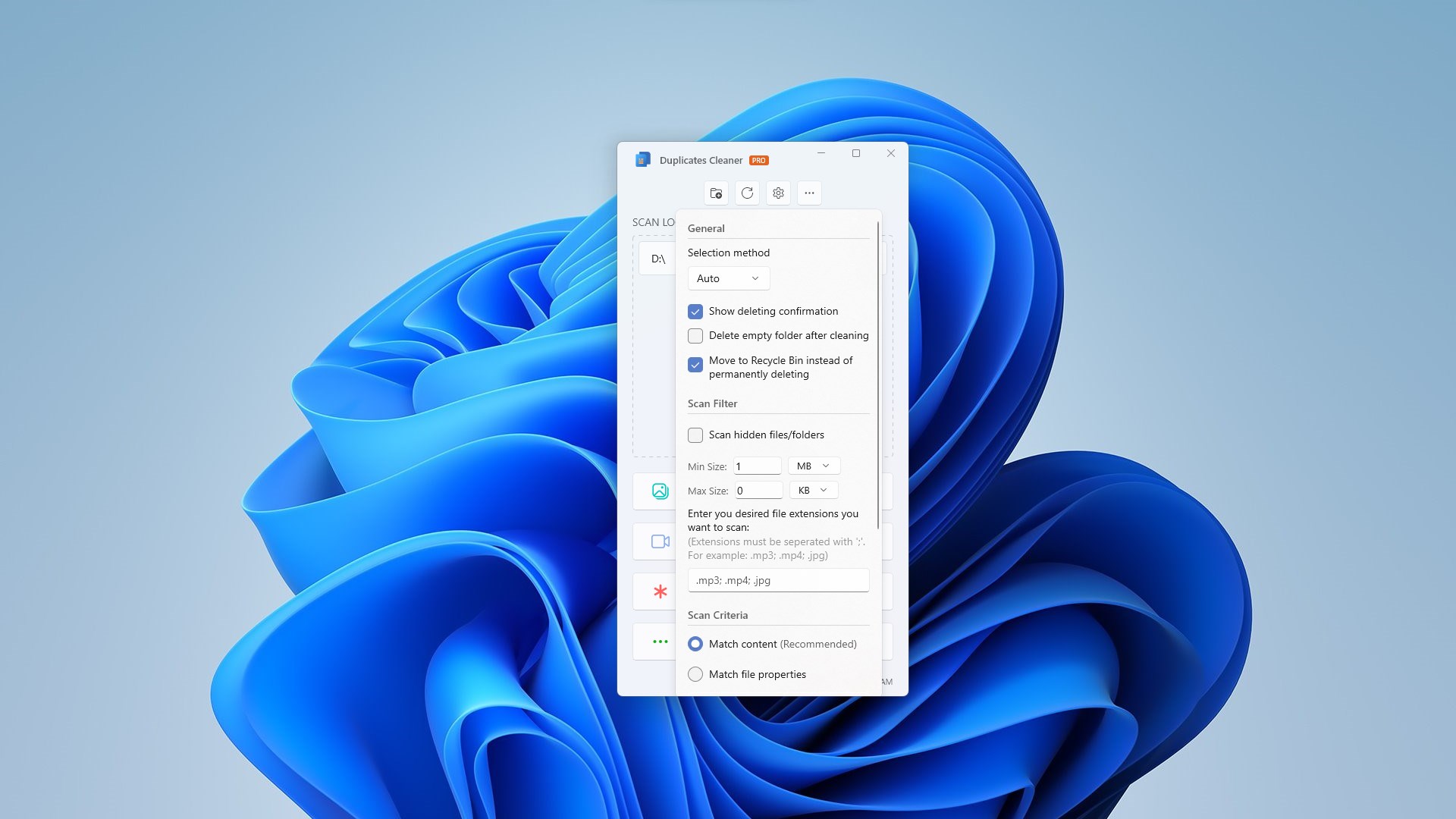
- The Standard Experience: The free tier allows users to scan one directory at a time and remove up to 1 GB of duplicate data. It serves as an excellent introduction to the software's core scanning mechanics, though it features limited filtering options.
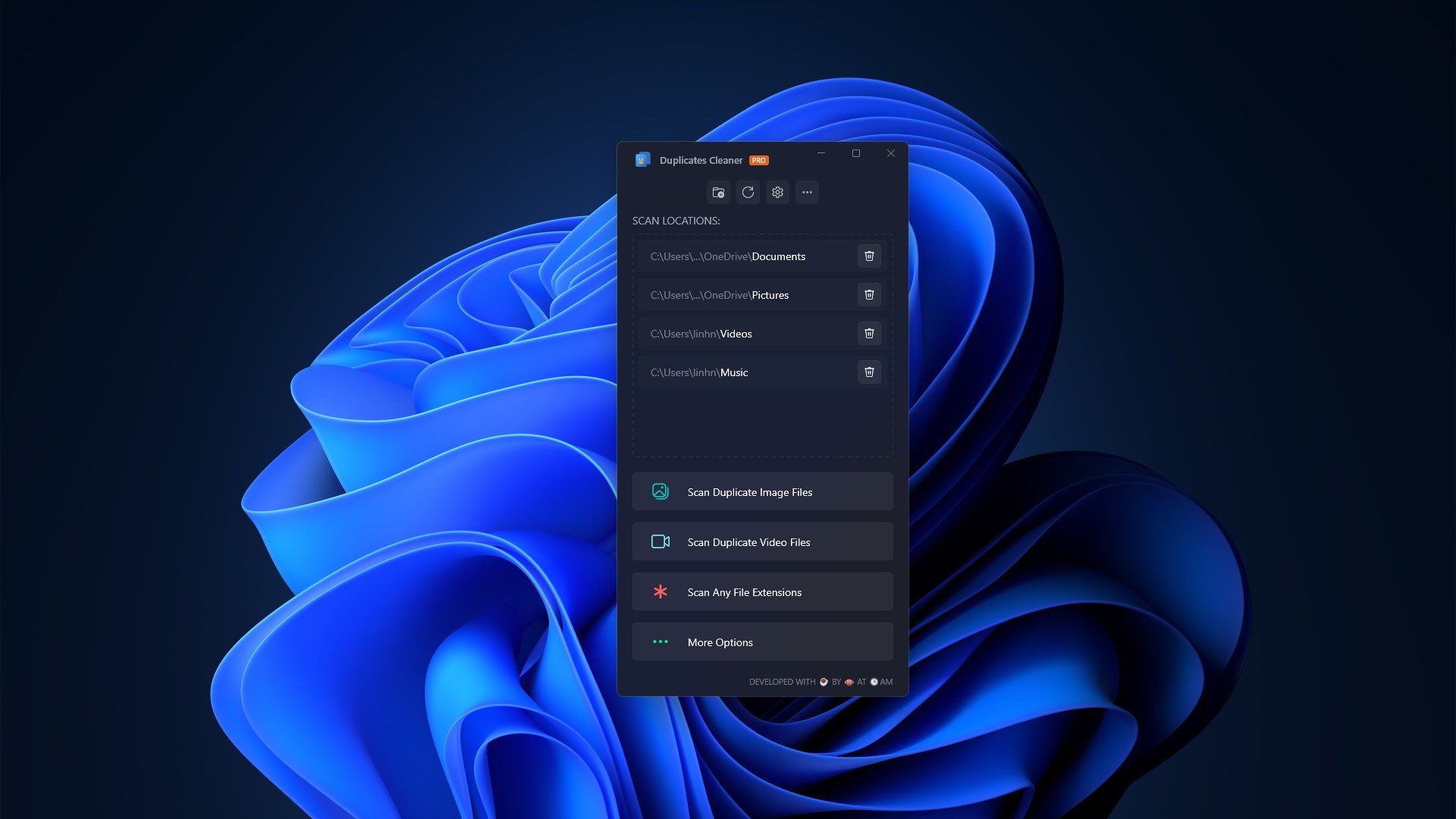
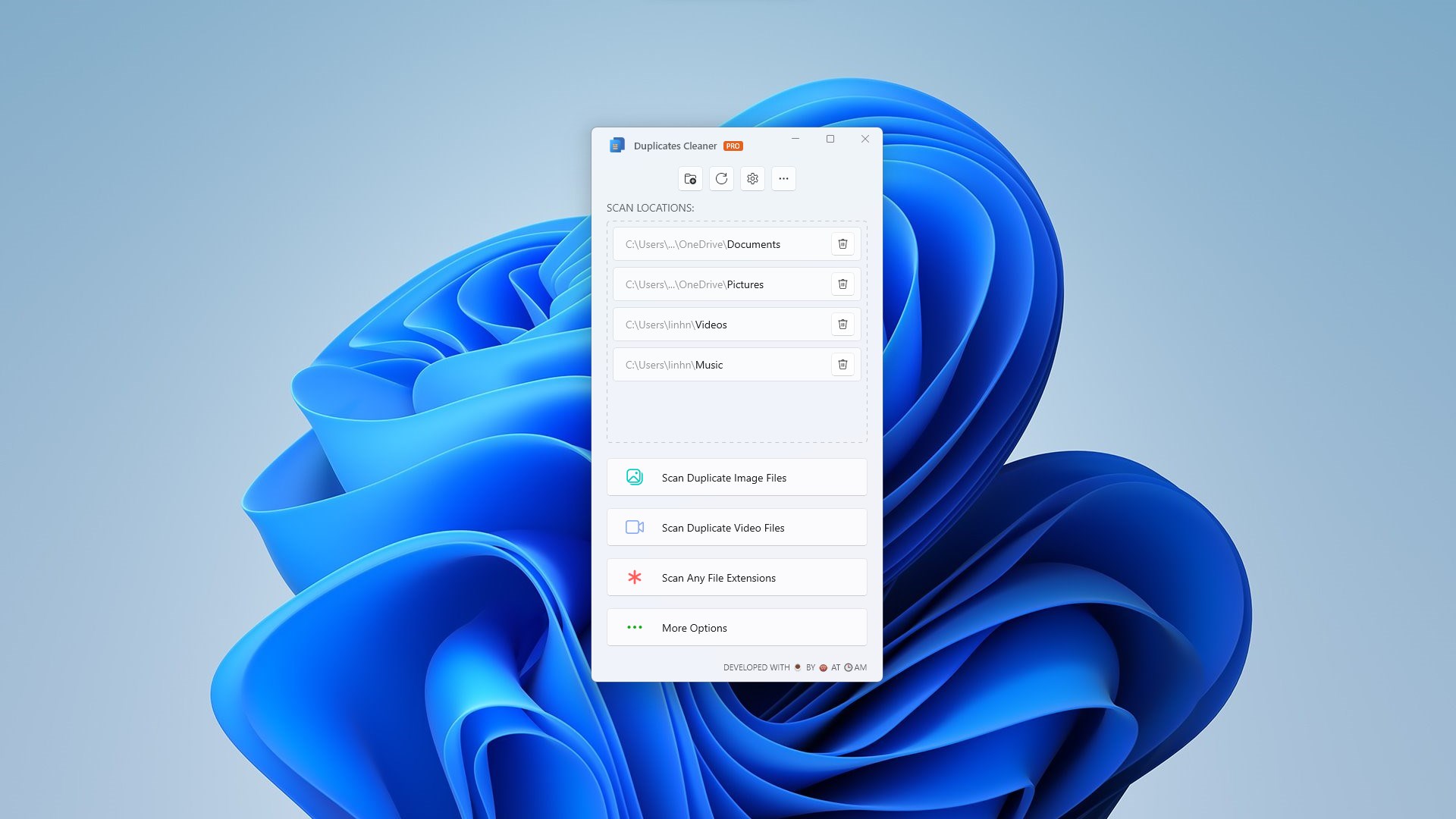
- The PRO Experience: Upgrading to the PRO version removes all operational barriers. It unlocks unlimited deletion capabilities, enables advanced filtering across all file types, permits multi-folder scanning, and introduces a critical backup and restore safety net alongside access to all future feature updates.
Streamlined Workflow and Performance
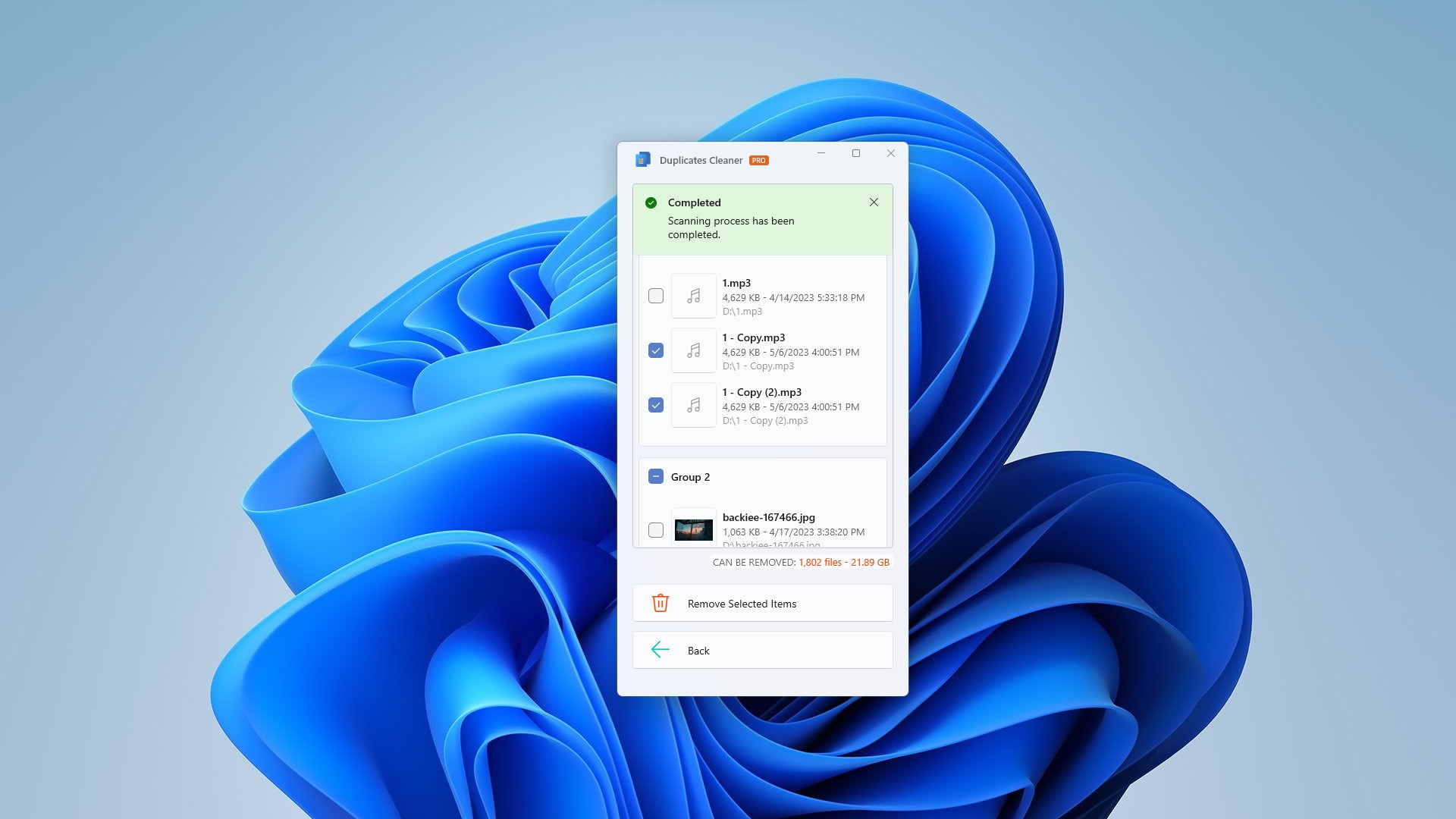
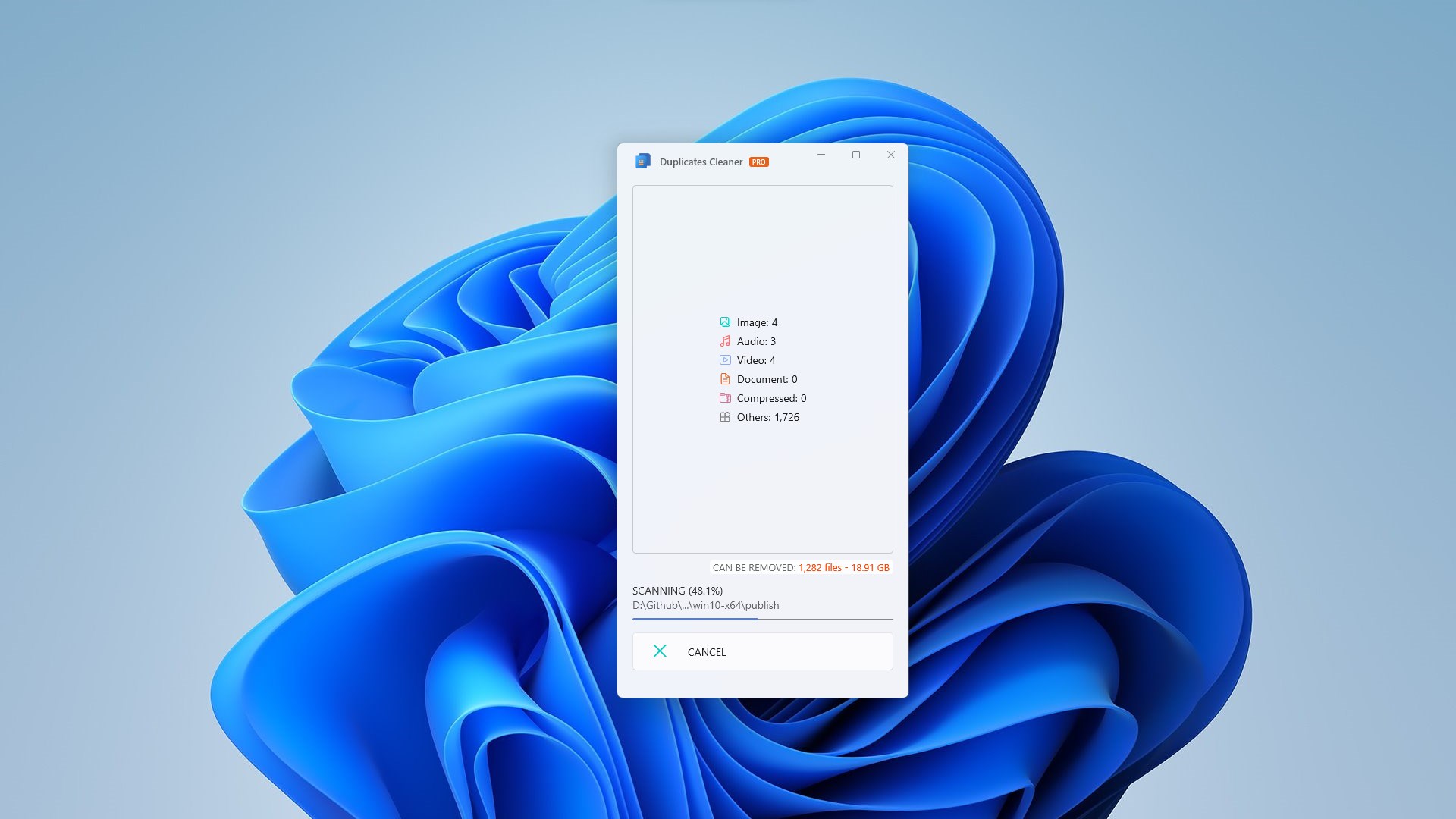
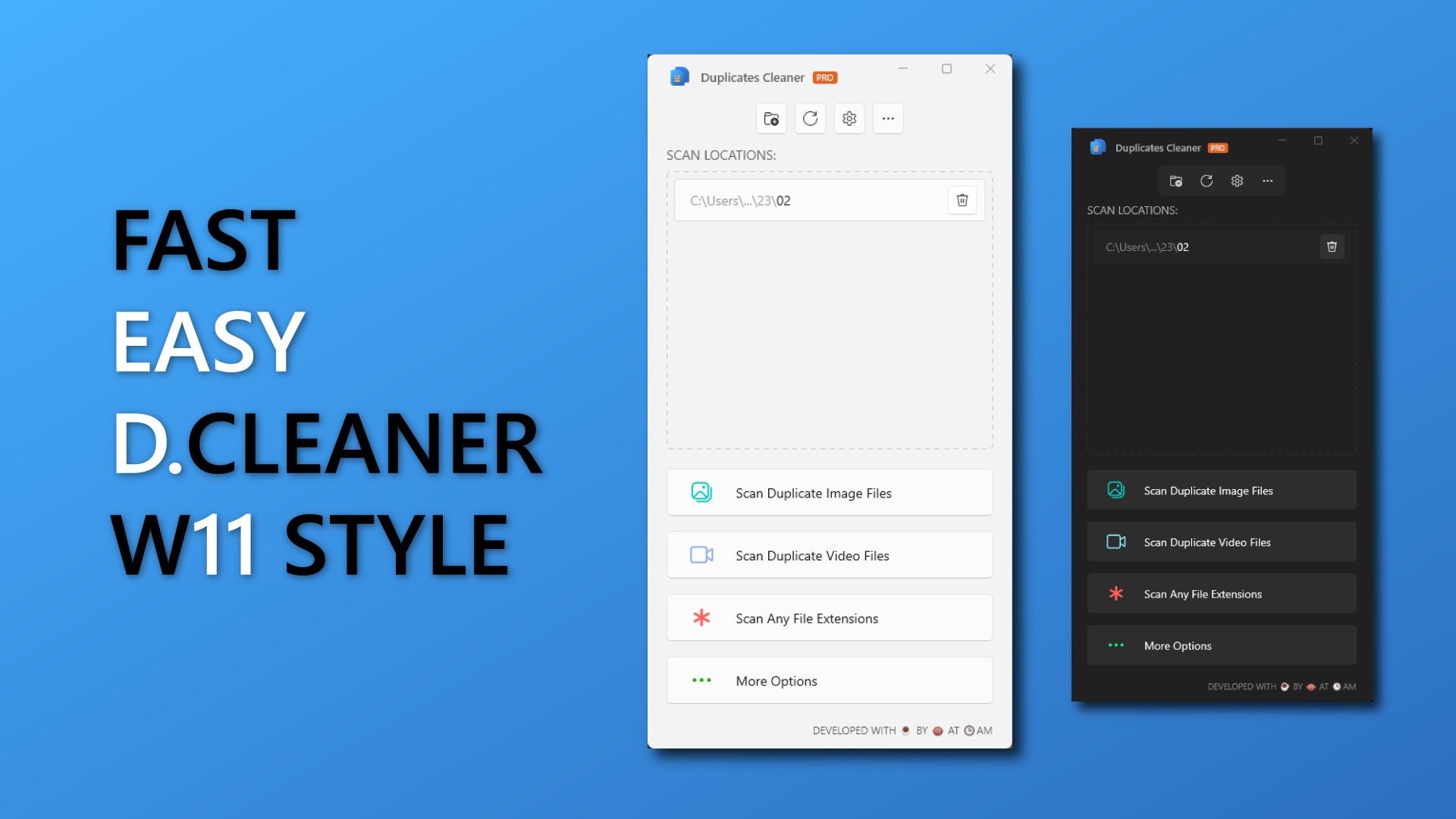
What sets this utility apart is its straightforward interface. Rather than overwhelming the user with complex configurations, the software focuses on speed and precision. You select your target directory, initiate the scan, and receive a clear, categorized breakdown of identical files ready for deletion. This structured presentation ensures you do not accidentally delete critical system files while clearing up space.
Deciding if It Fits Your Needs
If your Windows device is running low on storage, downloading a dedicated utility can save you hours of manual work. While the free version is ideal for quick, small-scale cleanups, heavy users will find the unlimited scanning and backup features of the PRO version highly advantageous. To explore this utility further and optimize your device's storage, visit the official Microsoft Store to view the application details.