

Calculator +
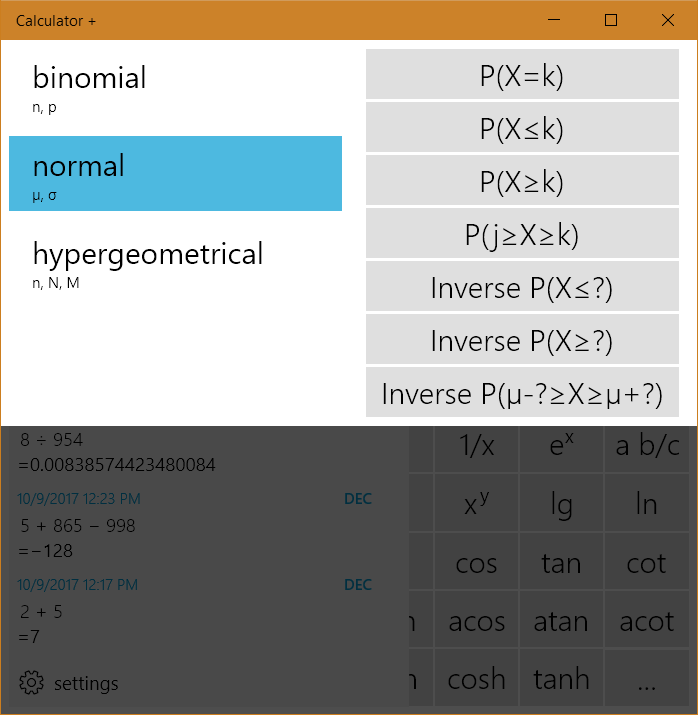
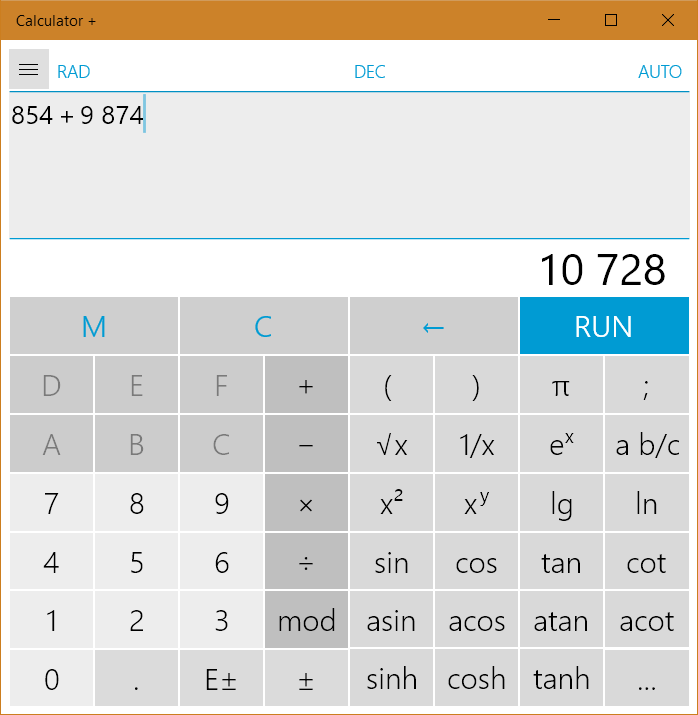
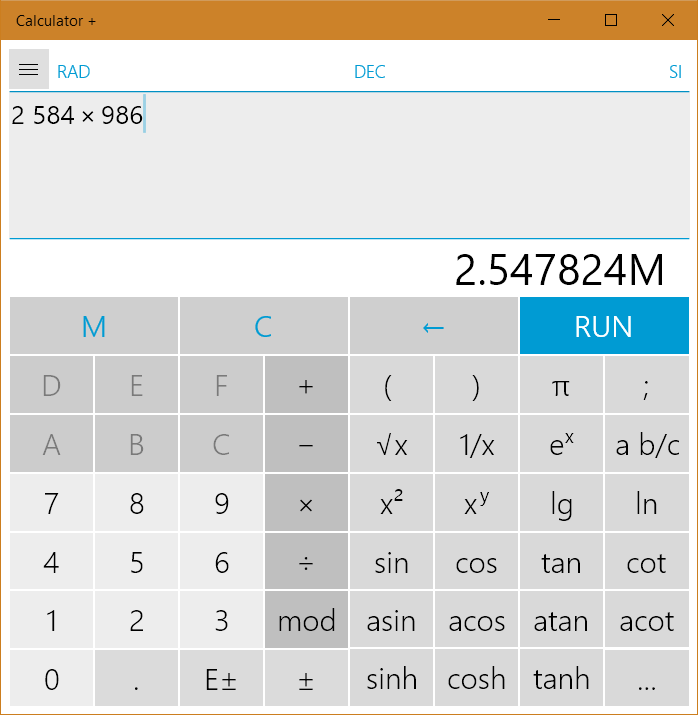
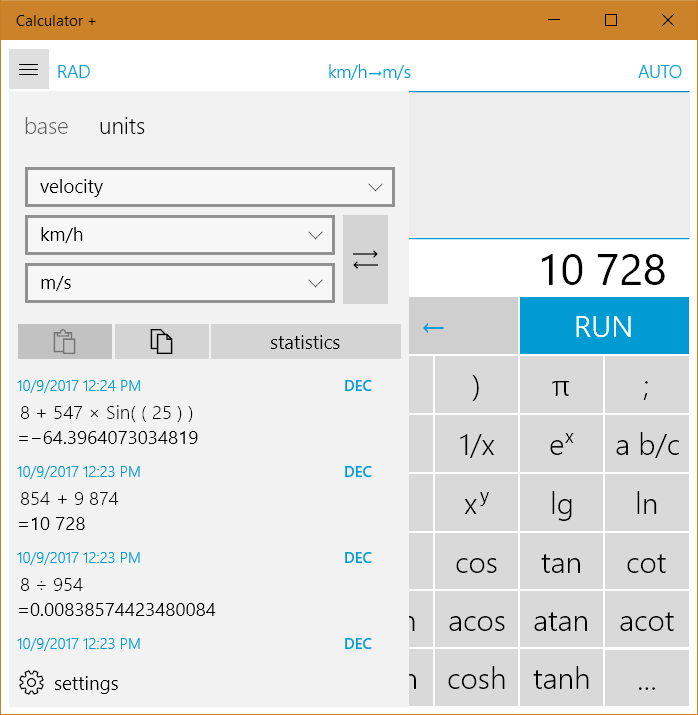
Discover Calculator + for Windows, a powerful scientific tool featuring order of operations, multi-base calculations, and precise unit conversions.
Why Calculator + is the Only Math Tool You Need on Windows
Most default operating system calculators fall short when you need to perform complex, multi-step equations without losing track of your workflow. Calculator + scientific calculation tool solves this common frustration by combining a highly intuitive, traditional interface with advanced algebraic logic. Unlike basic pre-installed tools, this application strictly adheres to the standard mathematical order of operations (PEMDAS/BODMAS), ensuring your complex formulas are executed with absolute precision.
Advanced Features for Versatile Computations
Developed by Jonas Zoche, this application is engineered to bridge the gap between everyday arithmetic and advanced engineering math. It stands out in the utilities category by offering a robust suite of built-in features that go far beyond simple addition and subtraction:
- Strict Order of Operations: Computes equations correctly by prioritizing mathematical hierarchy automatically.
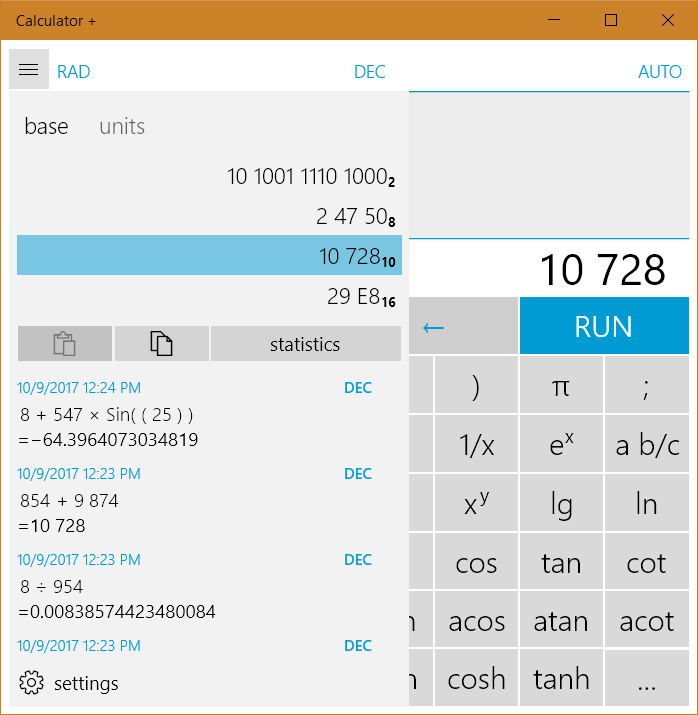
- Multi-Base Support: Seamlessly calculate and switch between binary, octal, decimal, and hexadecimal numeral systems.
- Comprehensive Unit Converter: Convert values instantly across lengths, areas, volumes, temperatures, weights, velocities, and angles.
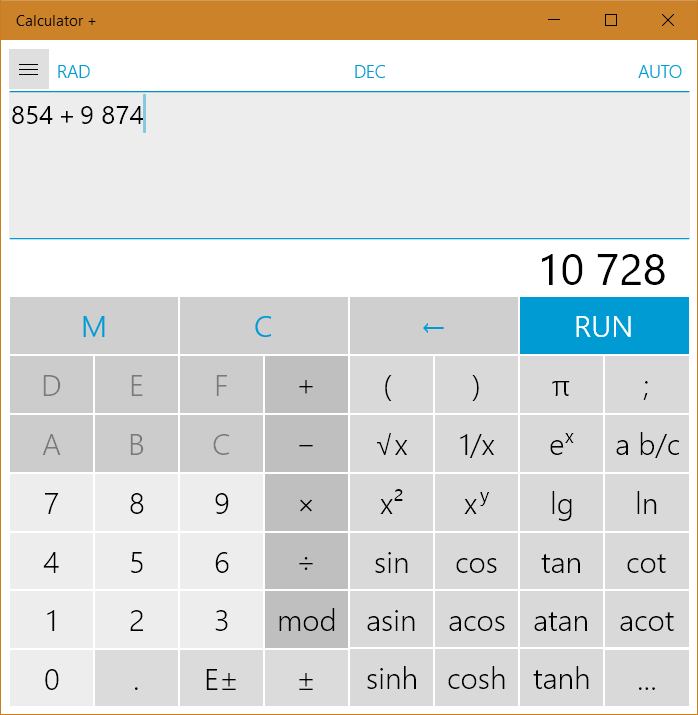
- Trigonometric and Logarithmic Functions: Quick access to essential functions including sine, cosine, tangent, cotangent, and arbitrary base logarithms or roots.
- Memory Buffering: Store and recall up to six distinct values simultaneously for multi-stage problem solving.
- High Precision Display: View results clearly with support for up to 14 active digits.
Who is This Windows Utility For?
Whether you are a software developer working with hexadecimal values, a student tackling trigonometry homework, or a professional needing quick physical unit conversions, the Calculator + scientific calculation tool adapts to your specific requirements. The user interface remains clean and accessible for quick daily tasks, yet possesses the deep functionality required for complex technical environments. It eliminates the need to jump between separate browser tabs or external conversion apps, keeping your workspace streamlined and efficient.
Our Verdict: A Superior Alternative to Default Tools
If you find yourself constantly reaching for external conversion websites or struggling with the limitations of basic system tools, upgrading your workflow is highly recommended. The seamless integration of unit conversion, base switching, and algebraic logic makes this tool a standout choice in its category. To experience this enhanced math workflow for yourself, head over to the official Windows Store to view the application and add it to your productivity toolkit.