

DataUsage
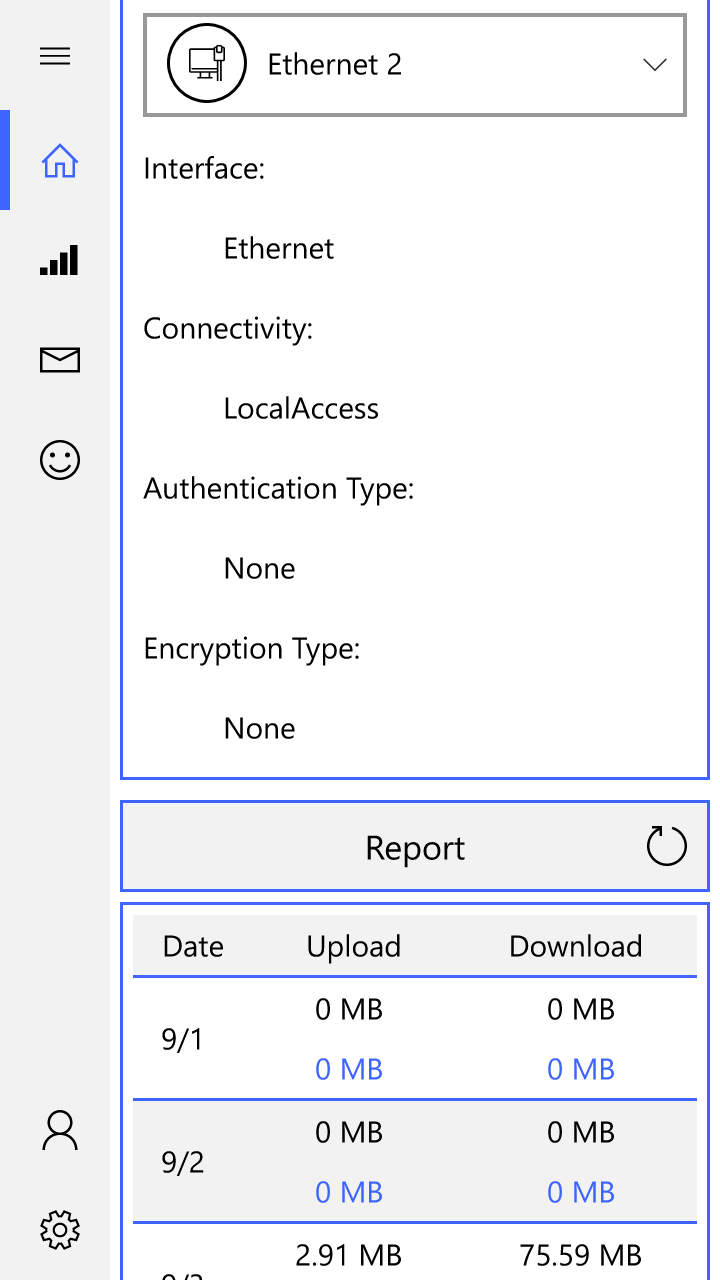
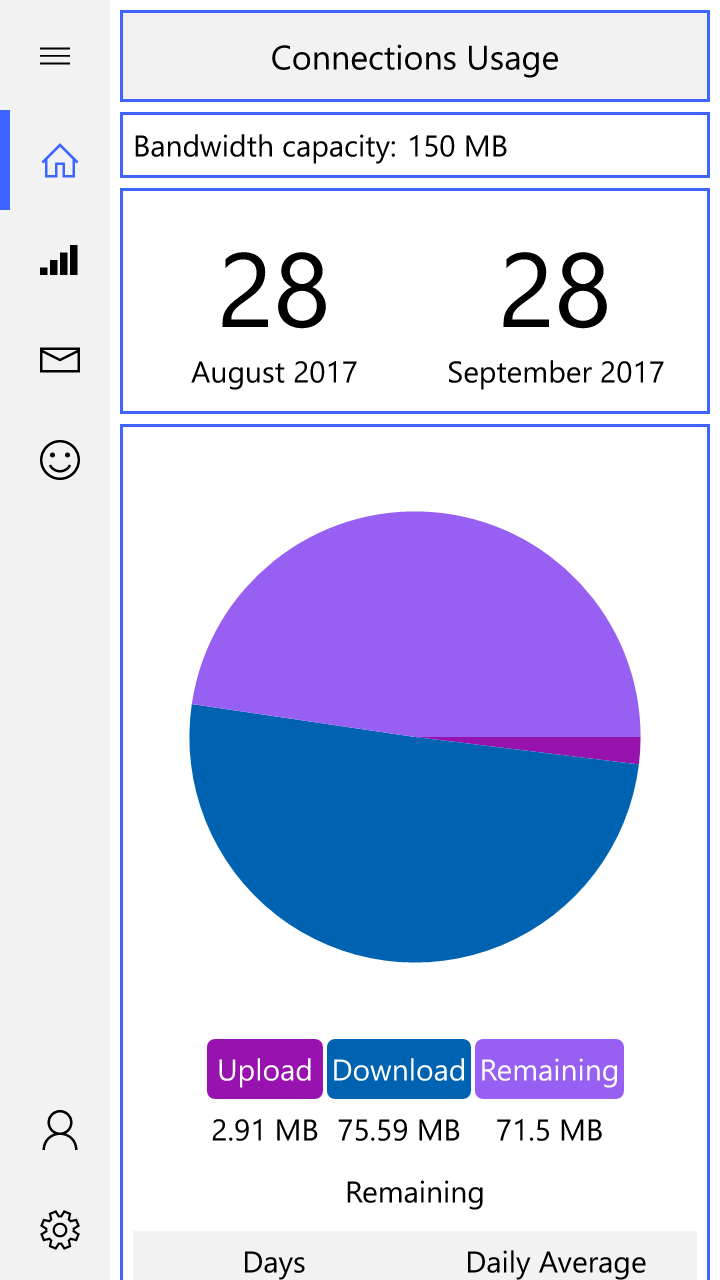
Discover how the DataUsage network monitor helps you track bandwidth, analyze charts, and manage your data plans on Windows devices in our full review.
Monitor Your Bandwidth with the DataUsage Network Monitor
Managing your internet consumption is crucial, whether you are on a metered connection or simply want to optimize your digital habits. The DataUsage network monitor by developer Amin Borjian is a dedicated utility designed to give Windows users complete visibility over their network consumption. Built on the Universal Windows Platform (UWP), this lightweight tool offers a clean, responsive, and fast interface to track how much data your device consumes in real time.
Key Features of DataUsage
- Real-Time Tracking: Keep a close eye on your active upload and download statistics as they happen.
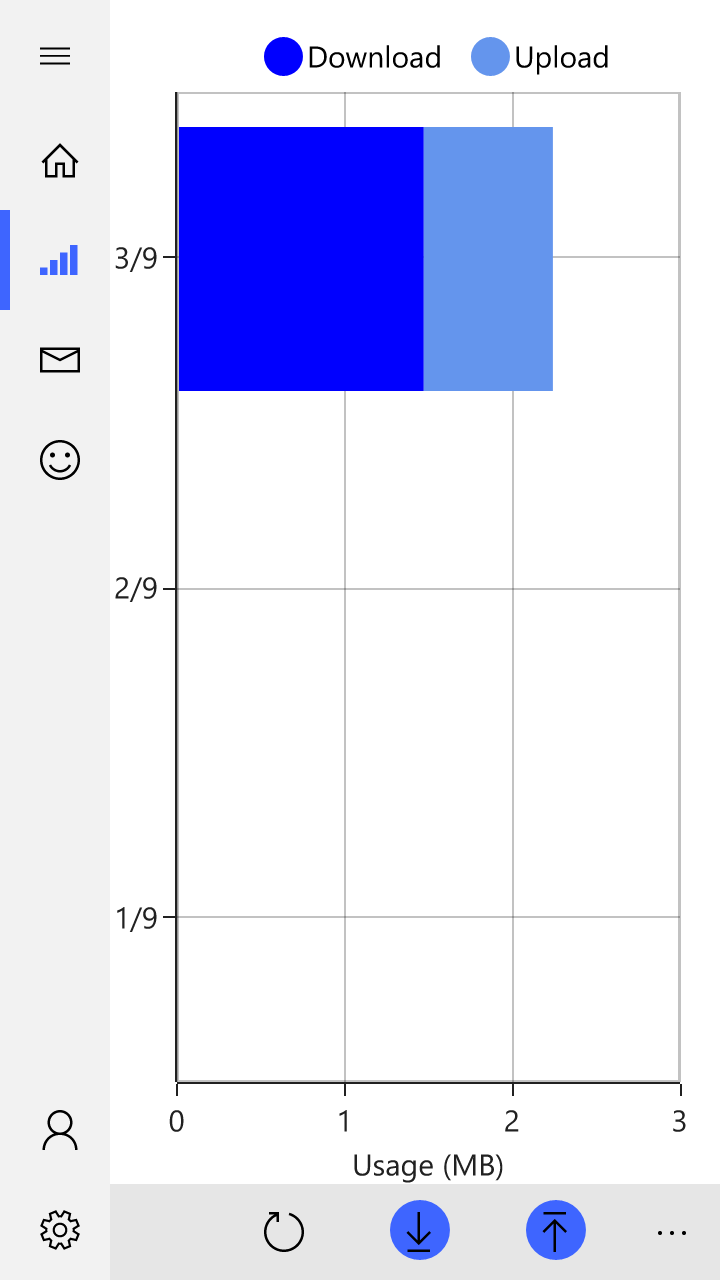
- Visual Charts: Analyze your network behavior over time with intuitive visual representations of your data consumption.
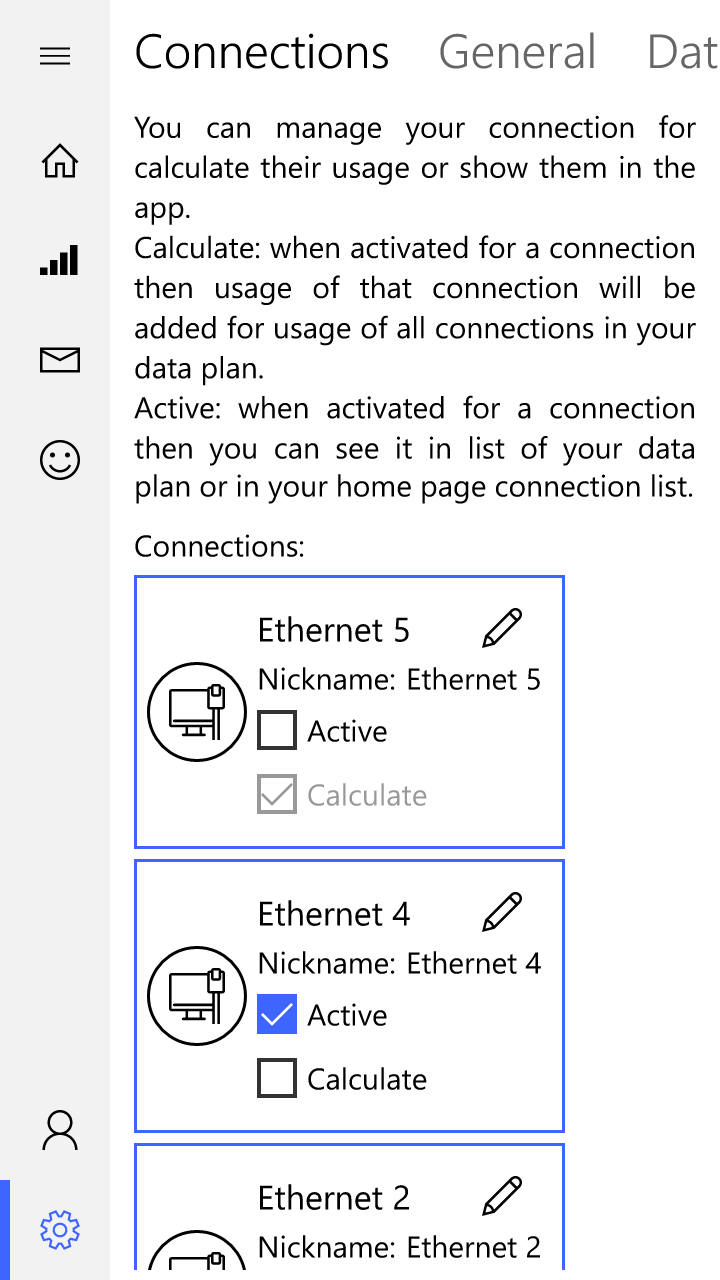
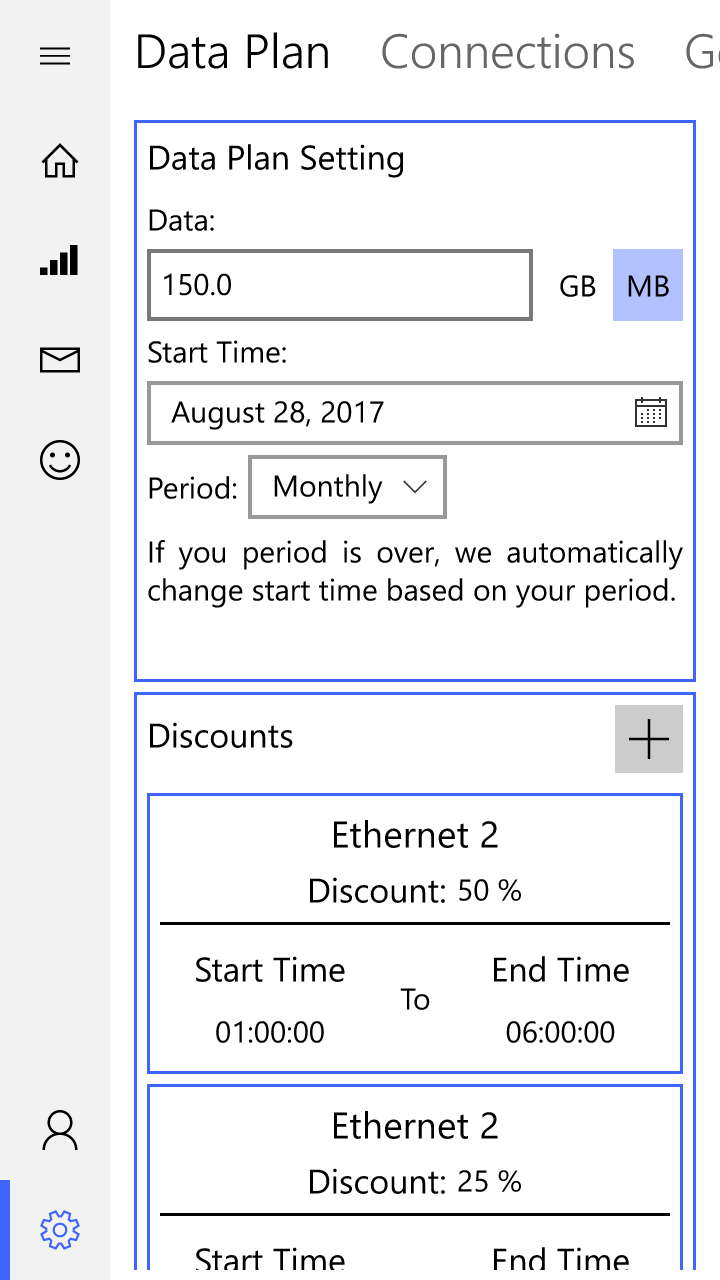
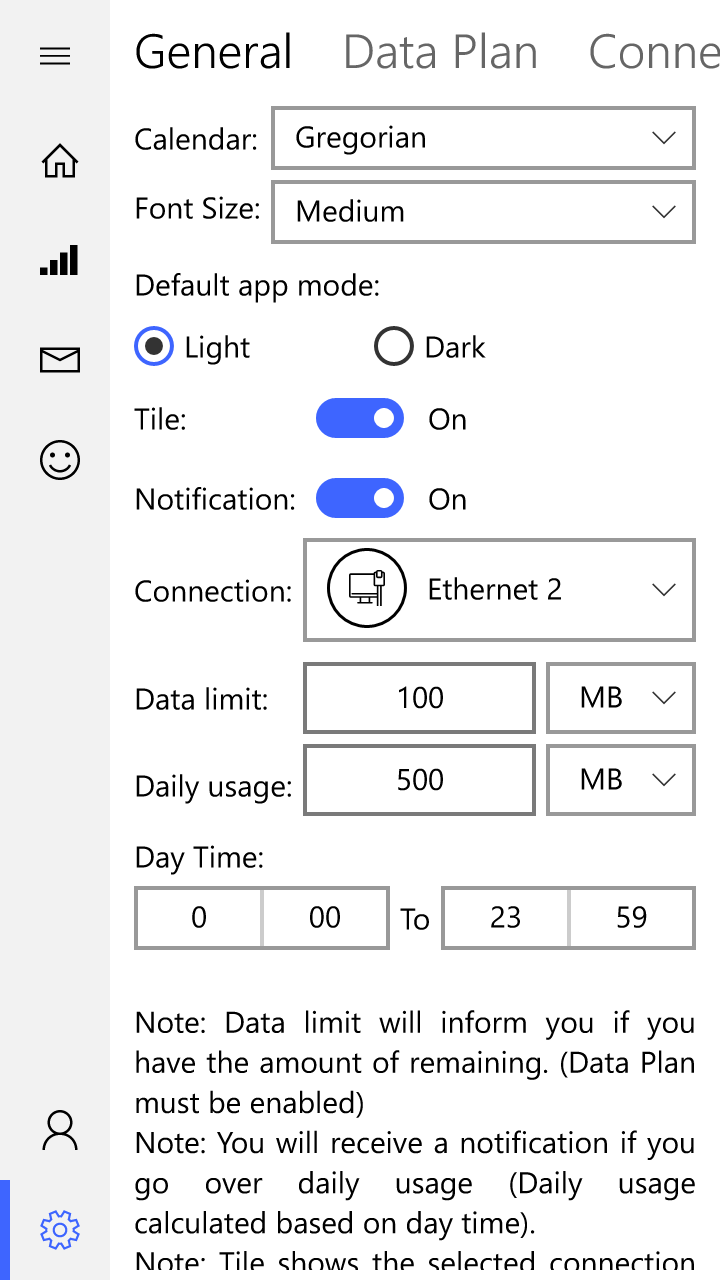
- Data Plan Management: Set up your specific bandwidth limits and billing cycles to prevent overage charges.
- UWP Optimization: Enjoy a highly responsive, modern Windows interface designed to run smoothly without draining system resources.
Who Is This Network Monitor For?
The DataUsage network monitor is highly beneficial for remote professionals working on mobile hotspots, students with capped campus Wi-Fi, or anyone curious about their daily internet usage. Instead of digging through complex system settings, this application consolidates all your essential network metrics into a single, straightforward dashboard.
Pros and Cons
- Pros: Fast performance, clean UWP design, and easy-to-read charts.
- Cons: Limited to the Windows platform; lacks advanced enterprise-level packet analysis.
Our Verdict
If you need a reliable, no-nonsense utility to keep your bandwidth in check, this tool delivers exactly what it promises. It simplifies data tracking without cluttering your desktop. To try it out for yourself, head over to the official Microsoft Store page and explore the DataUsage network monitor today.