

Duplicate Cleaner Master

Read our comprehensive review of Duplicate Cleaner Master, an efficient Windows utility designed to reclaim storage space by safely removing duplicate files.
A Smarter Approach to Windows Storage Management
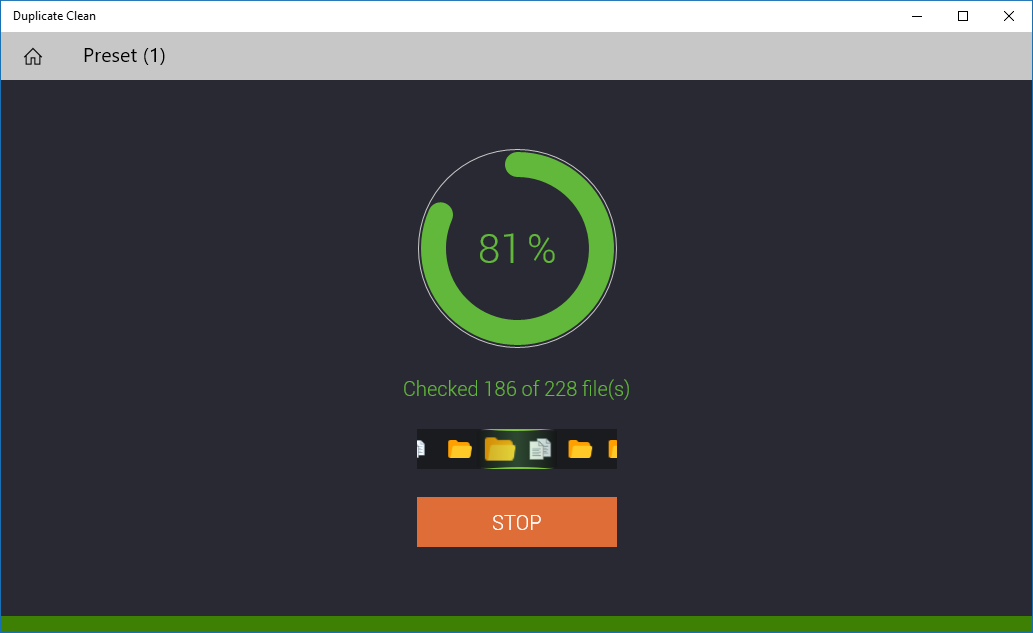
If you have ever noticed your computer running slow or running out of storage, duplicate files are often the hidden culprit. Duplicate Cleaner Master duplicate file removal software offers a highly targeted, streamlined solution to this common productivity bottleneck. Developed by Magik Hub, this Windows utility stands out by allowing users to scan multiple directories simultaneously, providing a precise way to clean up cluttered drives without risking essential system files.
Flexible Filtering and Precision Scanning
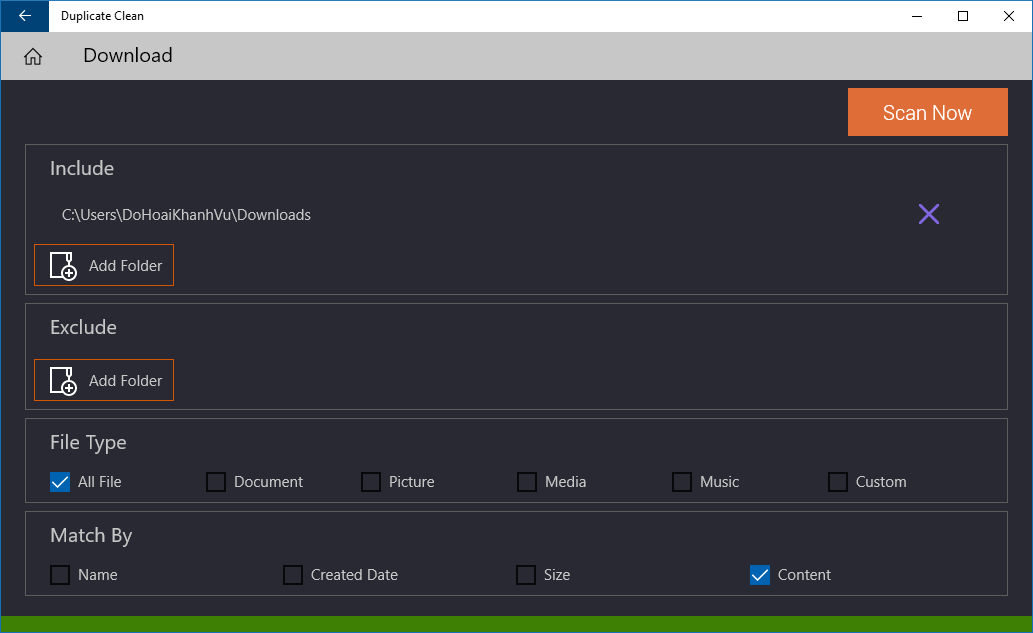
Many duplicate finders take an all-or-nothing approach, but this tool provides granular control over how you scan and filter your data. You can tailor your search parameters to match your specific organizational needs:
- Targeted Folder Selection: Easily include or exclude specific directories to protect sensitive system areas while scanning external drives or user folders.
- Multi-Format Filtering: Filter your search by file type, including Documents, Pictures, Media, Music, or custom extensions.
- Property-Based Matching: Match files based on precise criteria such as filename, creation date, file size, or actual content verification.
Smart Preservation Rules and Safe Deletion
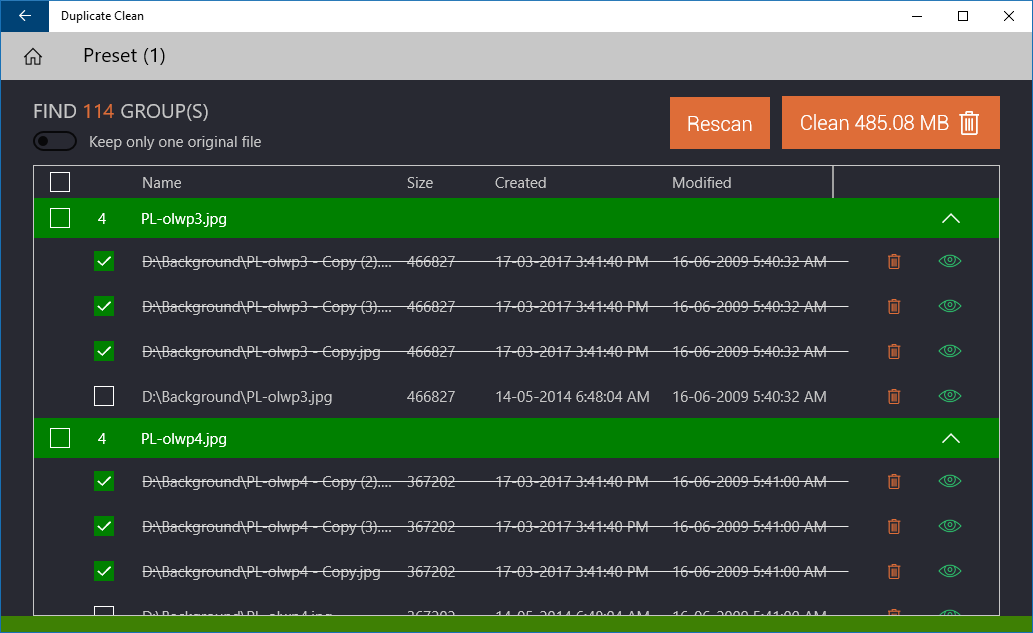
One of the biggest concerns when using a duplicate cleaner is accidentally deleting an original file. Duplicate Cleaner Master duplicate file removal addresses this with smart preservation algorithms. Users can configure the system to automatically keep all original files or retain just one primary copy based on name patterns, creation dates, or file sizes. Additionally, the built-in preview tool allows you to double-check files before confirming their removal, ensuring you never lose an important document or family photo.
Detailed Reporting and Performance Tracking
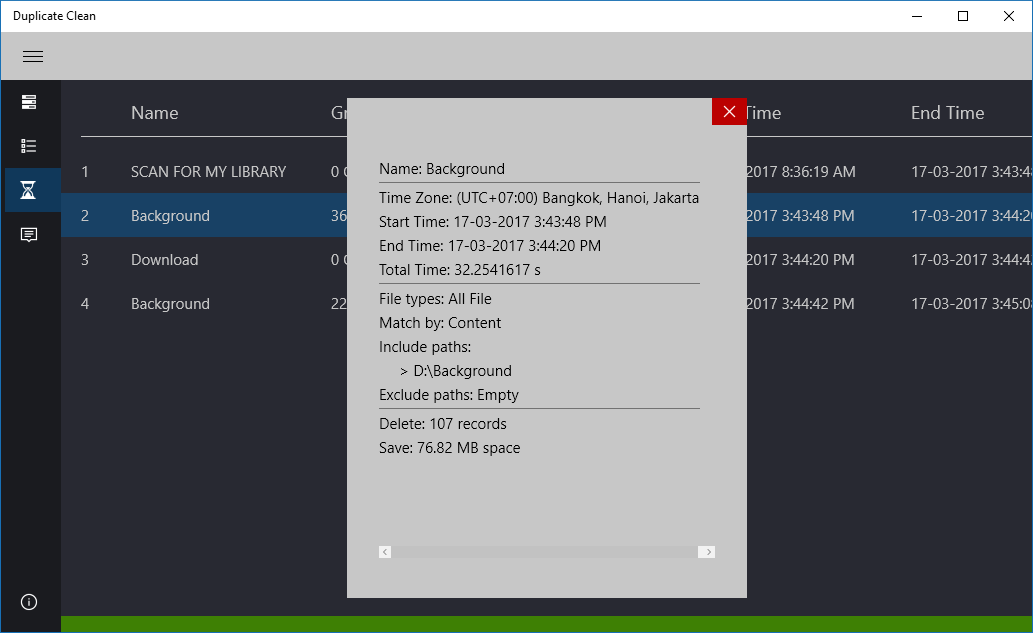
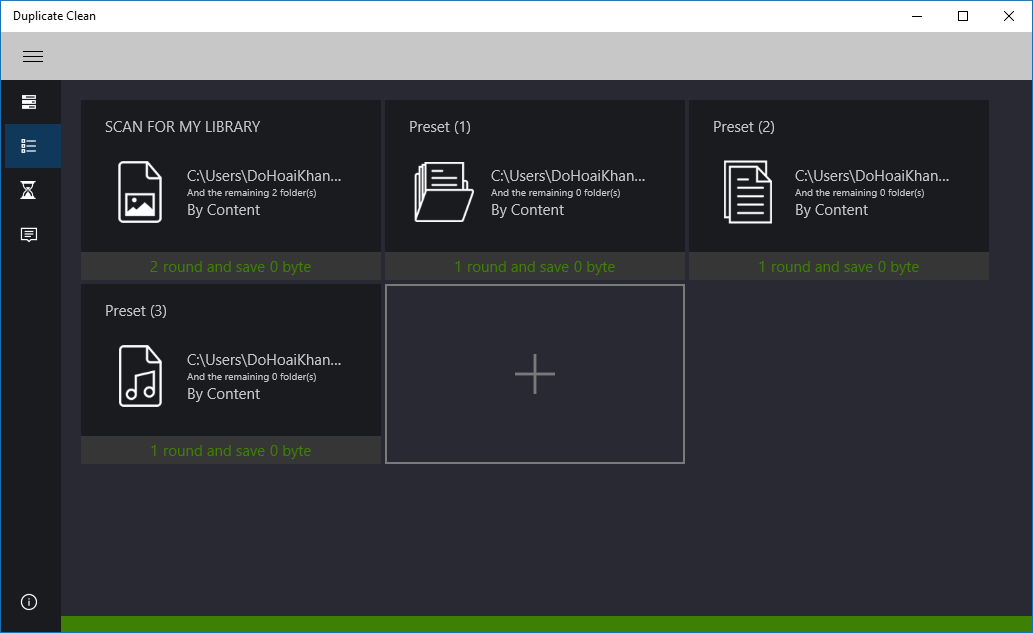
Once the cleaning process is complete, the application provides a transparent summary of your optimization efforts. You can view comprehensive history logs that detail the scanned folders, the exact number of deleted files, and the total storage space successfully released. To save time on future maintenance, you can also save your favorite filter configurations directly to your home screen for one-click access later.
Is It Right For You?
For Windows users struggling with cluttered folders, disorganized media libraries, or shrinking drive space, this tool offers a secure and highly customizable way to restore order. If you are ready to optimize your device's storage, head over to the official Microsoft Store to explore the Duplicate Cleaner Master application today.