
ProtonUp-Qt
An in-depth review of ProtonUp-Qt, the essential Linux utility for easily installing and managing custom Proton and Wine compatibility tools.
The Ultimate Solution for Linux Gaming Compatibility
ProtonUp-Qt compatibility tool manager is the definitive utility for Linux gamers looking to maximize their gaming library's performance. Instead of manually downloading, extracting, and placing custom Wine or Proton builds into hidden system directories, this elegant graphical interface automates the entire process. It bridges the gap between raw open-source compatibility tools and the average desktop user, ensuring your favorite titles run smoothly without terminal-heavy troubleshooting.
Streamlined Integration Across Major Launchers
One of the standout features of this utility is its broad compatibility. Rather than being locked into a single ecosystem, it detects and integrates seamlessly with multiple launcher environments:
- Steam: Effortlessly upgrade your Steam Play capabilities.
- Lutris & Bottles: Manage specialized prefixes and runner configurations.
- Heroic Games Launcher: Perfect for Epic Games and GOG integration on Linux.
- WineZGUI: Simplified Wine prefix management.
Whether you run your launchers natively, via Snap, or through Flatpak packages, this tool scans your system automatically to locate the correct directory paths.
Unmatched Library of Compatibility Tools
The ProtonUp-Qt compatibility tool manager provides access to an extensive selection of community-driven runners that resolve game-specific bugs, audio issues, and performance bottlenecks. Users can quickly download and update:
- GE-Proton & Wine-GE: Essential community releases featuring cutting-edge patches.
- SteamTinkerLaunch: For advanced scripting and post-launch tweaks.
- Luxtorpeda, Boxtron, & Roberta: Specialized engines for retro and adventure gaming.
- Graphics APIs: Easily deploy DXVK (including D8VK) and VKD3D translations.
Intuitive Interface and Advanced Management
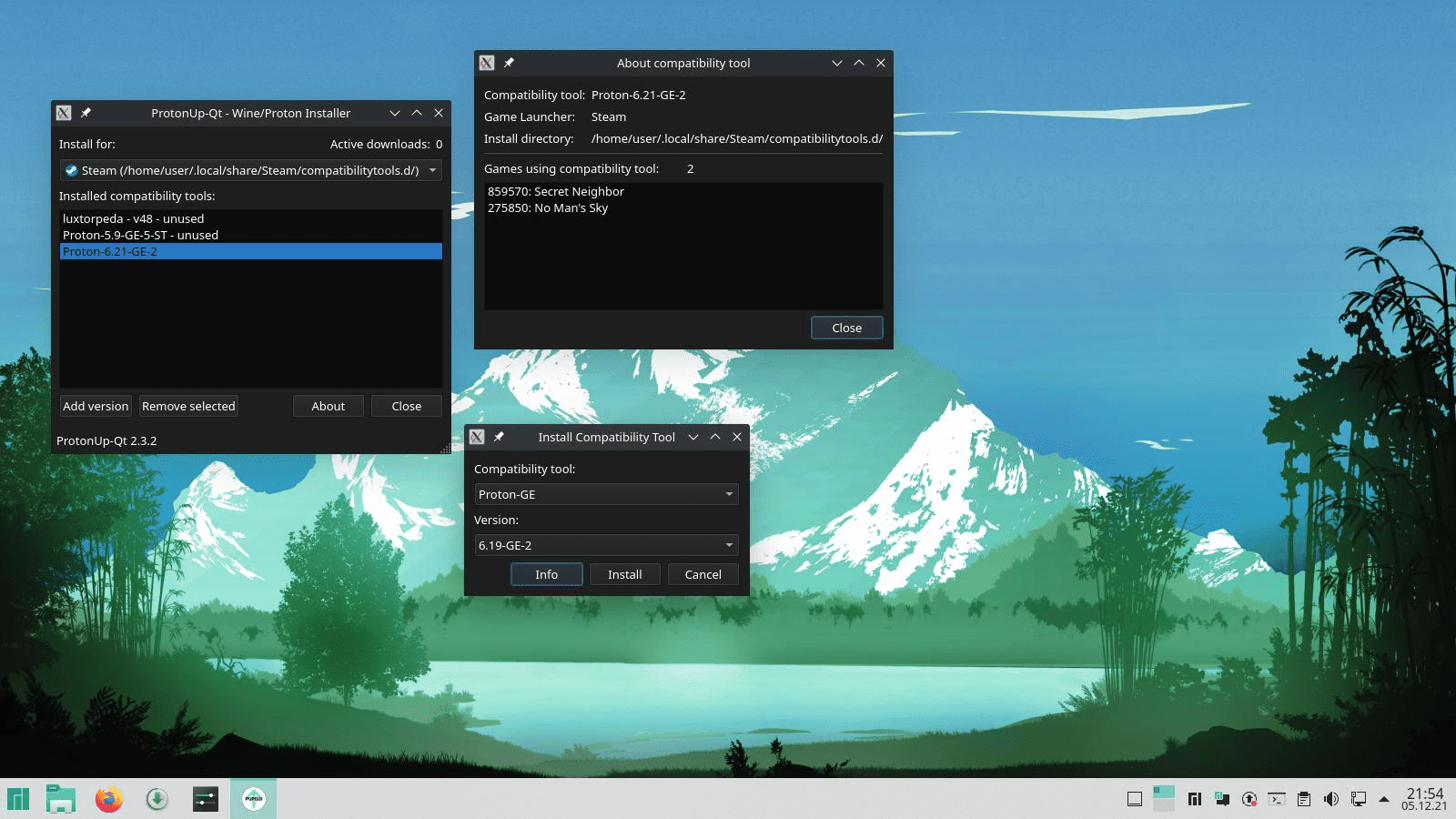
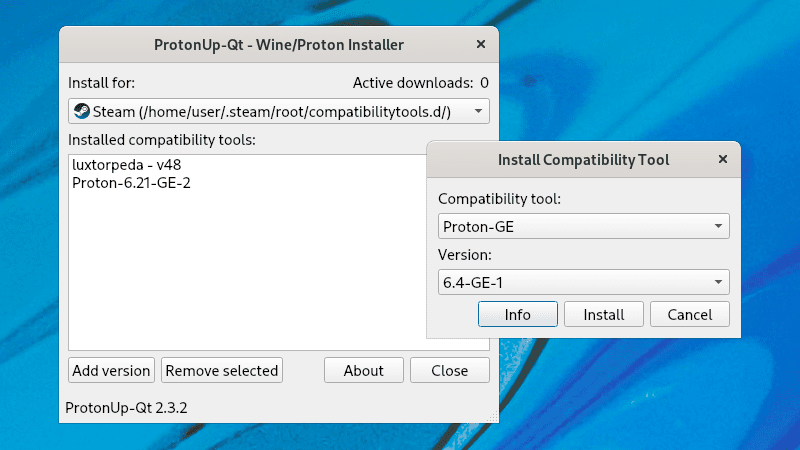
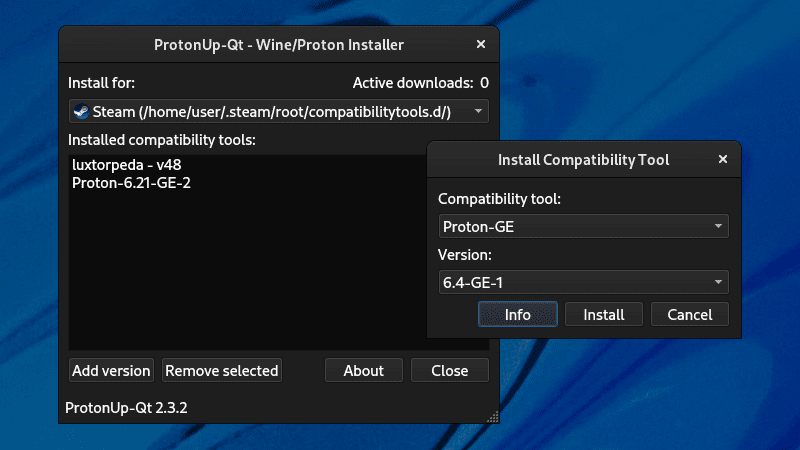
Navigating the application is incredibly straightforward. A simple double-click on any installed tool reveals more detailed information alongside a list of games currently utilizing that specific runner. For advanced users, the About dialog offers access to granular settings and aesthetic customization, allowing you to tailor the color theme and interface behavior to match your desktop environment.
Is This Tool Right For You?
If you game on Linux or a handheld console running a SteamOS-like environment, this utility is practically mandatory. It eliminates the tedious manual maintenance of your gaming stack, giving you more time to actually play. To try this utility on your system, head over to the official Flathub store page to download ProtonUp-Qt and elevate your Linux gaming experience today.