
Dolphin Emulator
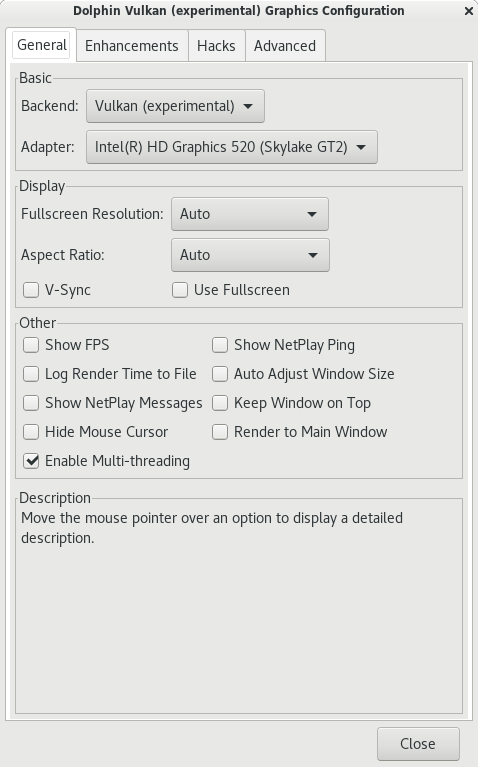
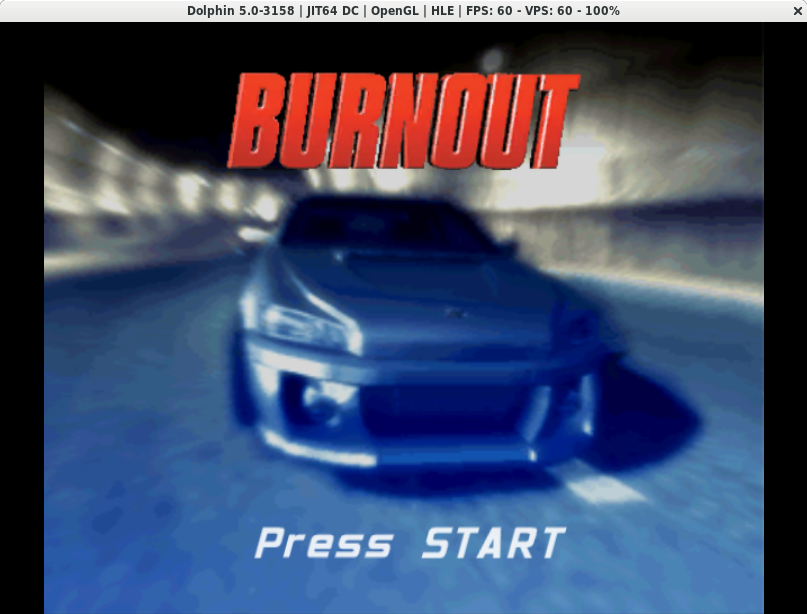
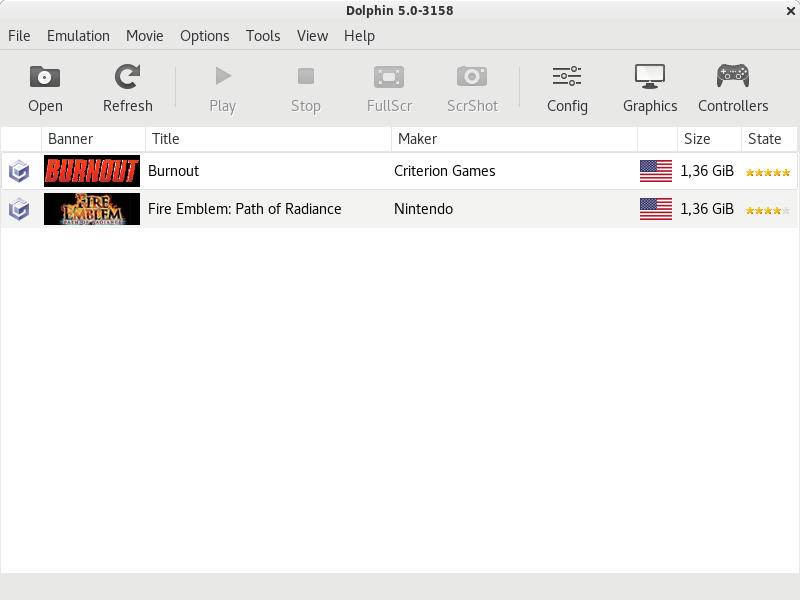
Read our comprehensive review of Dolphin Emulator for Linux. Discover how this powerful tool brings classic GameCube and Wii gaming to your PC in full HD.
Relive Classic Console Gaming on Your Linux Setup
Imagine clearing out your closet and finding a dusty box of classic game discs, only to realize you no longer have a working console hooked up to your television. Instead of letting those memories fade, you can turn your modern computer into the ultimate retro gaming machine. The Dolphin Emulator Wii and GameCube tool bridges the gap between classic console software and modern open-source operating systems, allowing you to run your favorite legacy titles directly on Linux.
Developed by the dedicated Dolphin Emulator Project, this software is widely recognized as one of the most mature and polished emulation projects available today. It provides a highly stable environment that doesn't just replicate the original console experience, but significantly enhances it for modern displays.
Key Features of the Dolphin Emulator Wii and GameCube Tool
The Dolphin Emulator Wii and GameCube tool stands out because it goes far beyond basic emulation. It leverages the power of modern PC hardware to deliver features that the original consoles could only dream of:
- High-Definition Rendering: Enjoy your games in full HD (1080p) and higher resolutions, featuring crisp textures and cleaner geometry than original hardware.
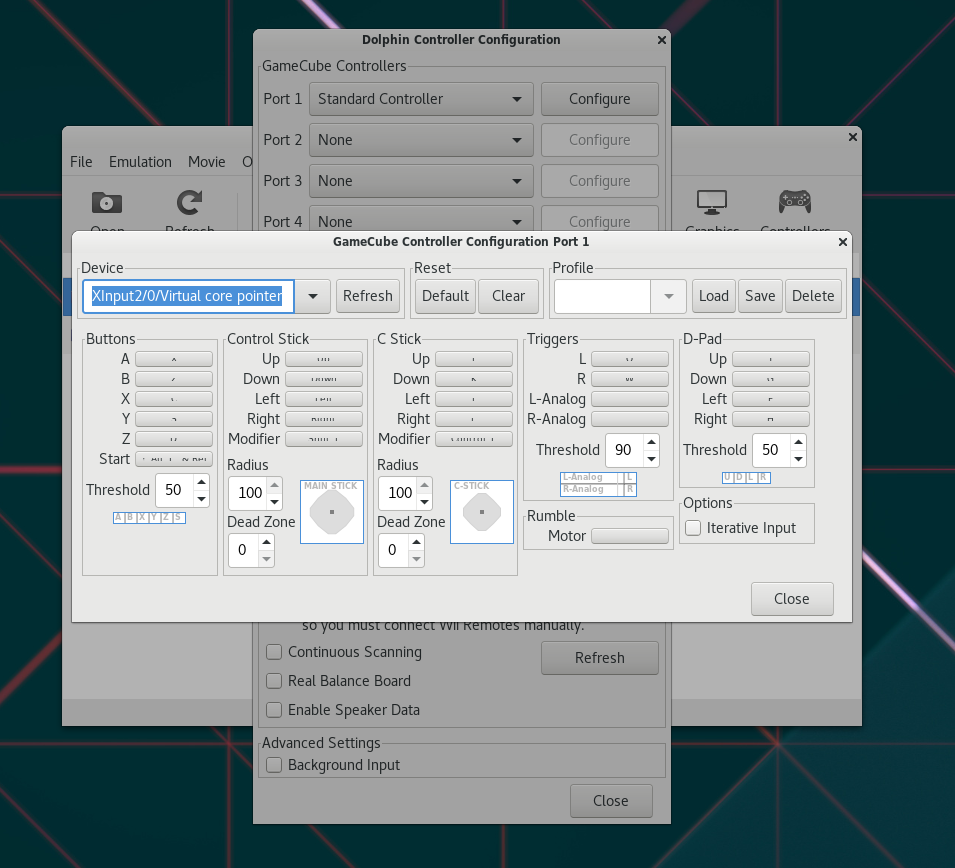
- Extensive Controller Support: The software is compatible with a wide range of PC controllers, allowing you to map inputs to match your preferred gaming setup.
- Enhanced Speed and Performance: Utilize turbo speed options to skip slow loading screens or speed up repetitive in-game segments.
- Networked Multiplayer: Connect with friends online for multiplayer sessions, bringing modern connectivity to local-only classics.
Who Is This Emulator For?
This software is tailored specifically for Linux users who want a premium, customizable gaming experience without needing to keep multiple legacy consoles connected to their TVs. Whether you are a preservationist looking to keep your physical media library playable, or a casual gamer wanting to experience historical masterpieces with modern graphical enhancements, this emulator offers the flexibility and performance required to make it happen smoothly.
Getting Started and Availability
Because this is an active open-source project, the developers regularly push performance optimizations and compatibility updates. If you are ready to explore your classic library in stunning high definition, we encourage you to visit the official Flathub store page to learn more about the installation process for your specific Linux distribution.