

Goverlay
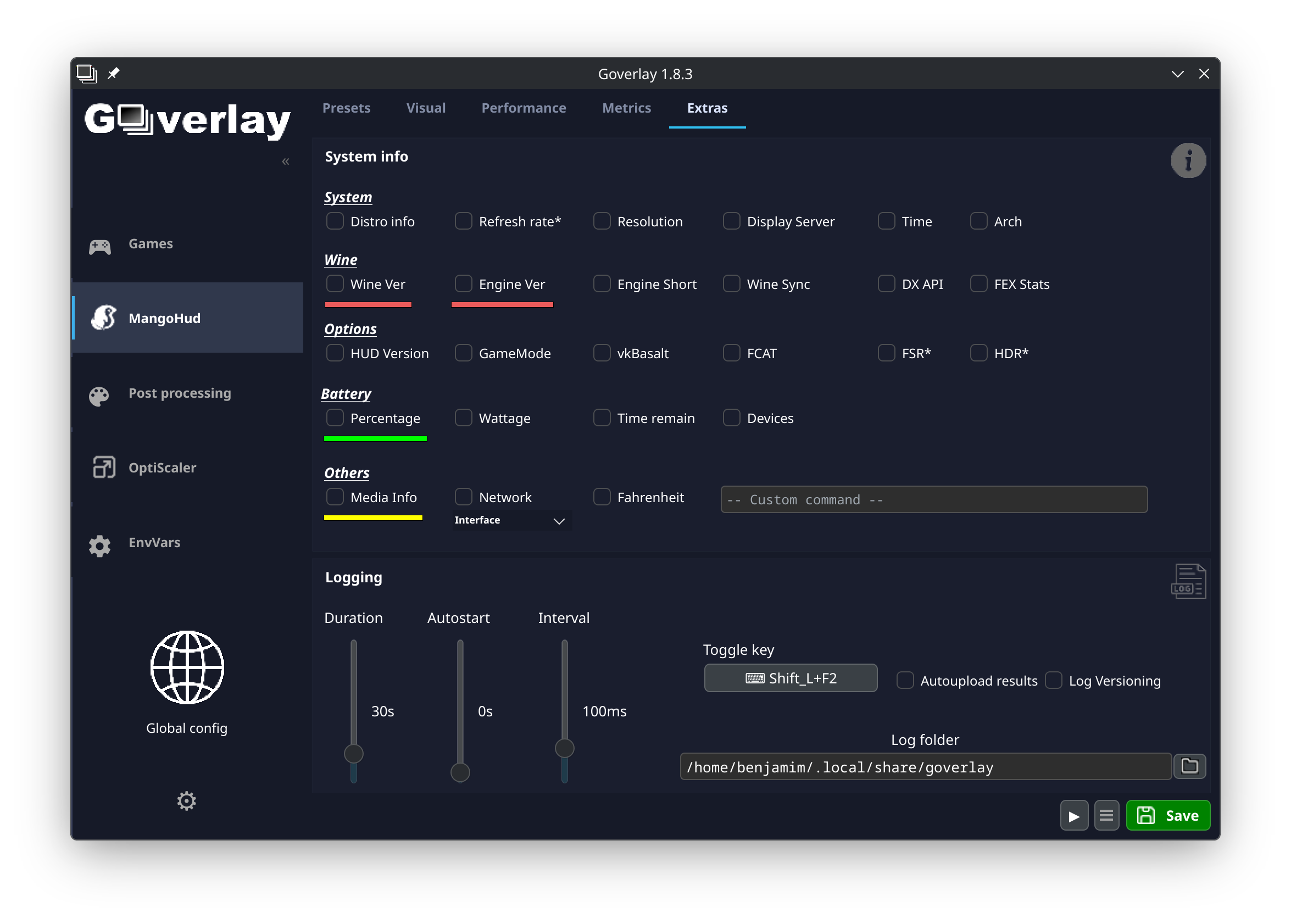
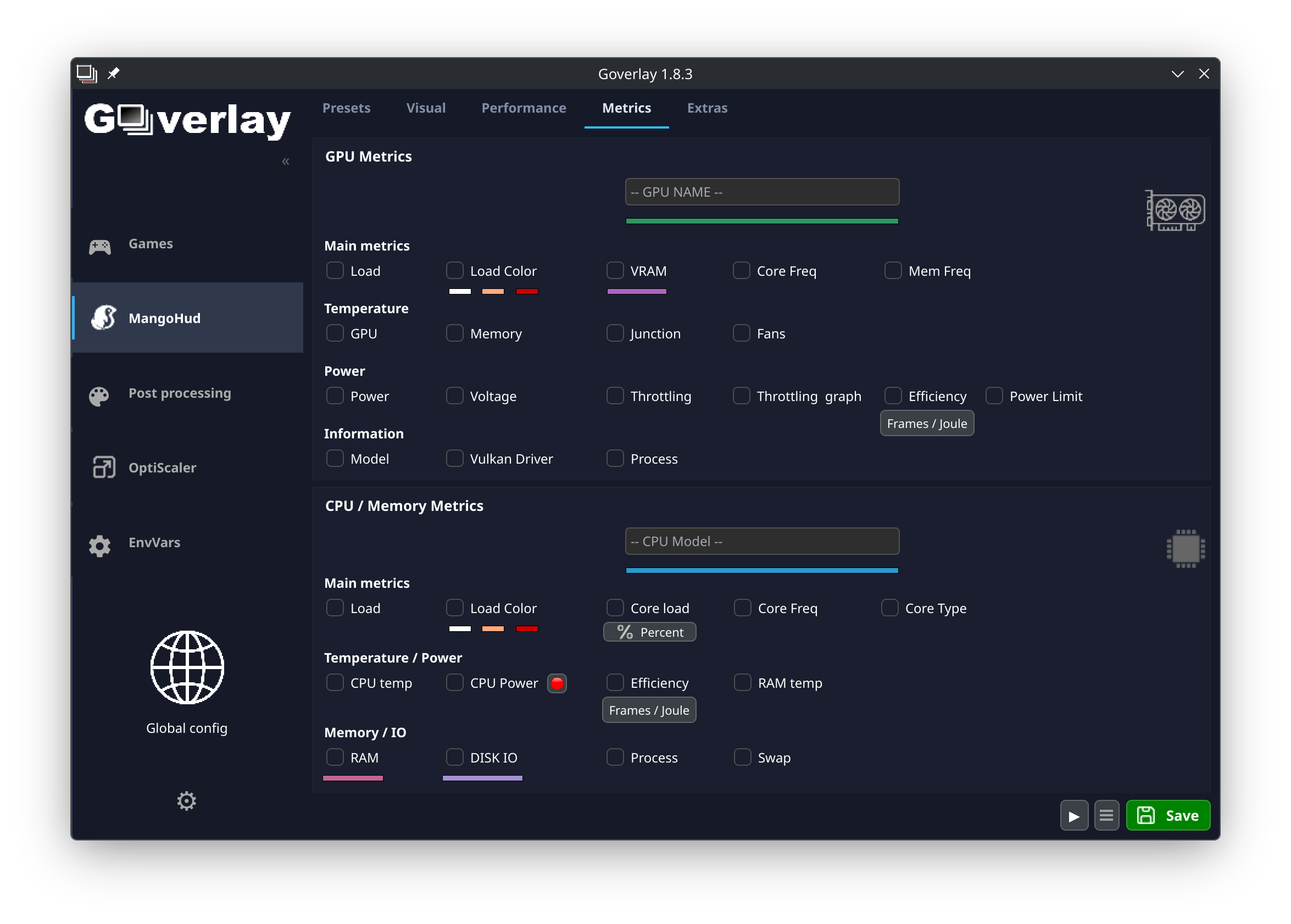
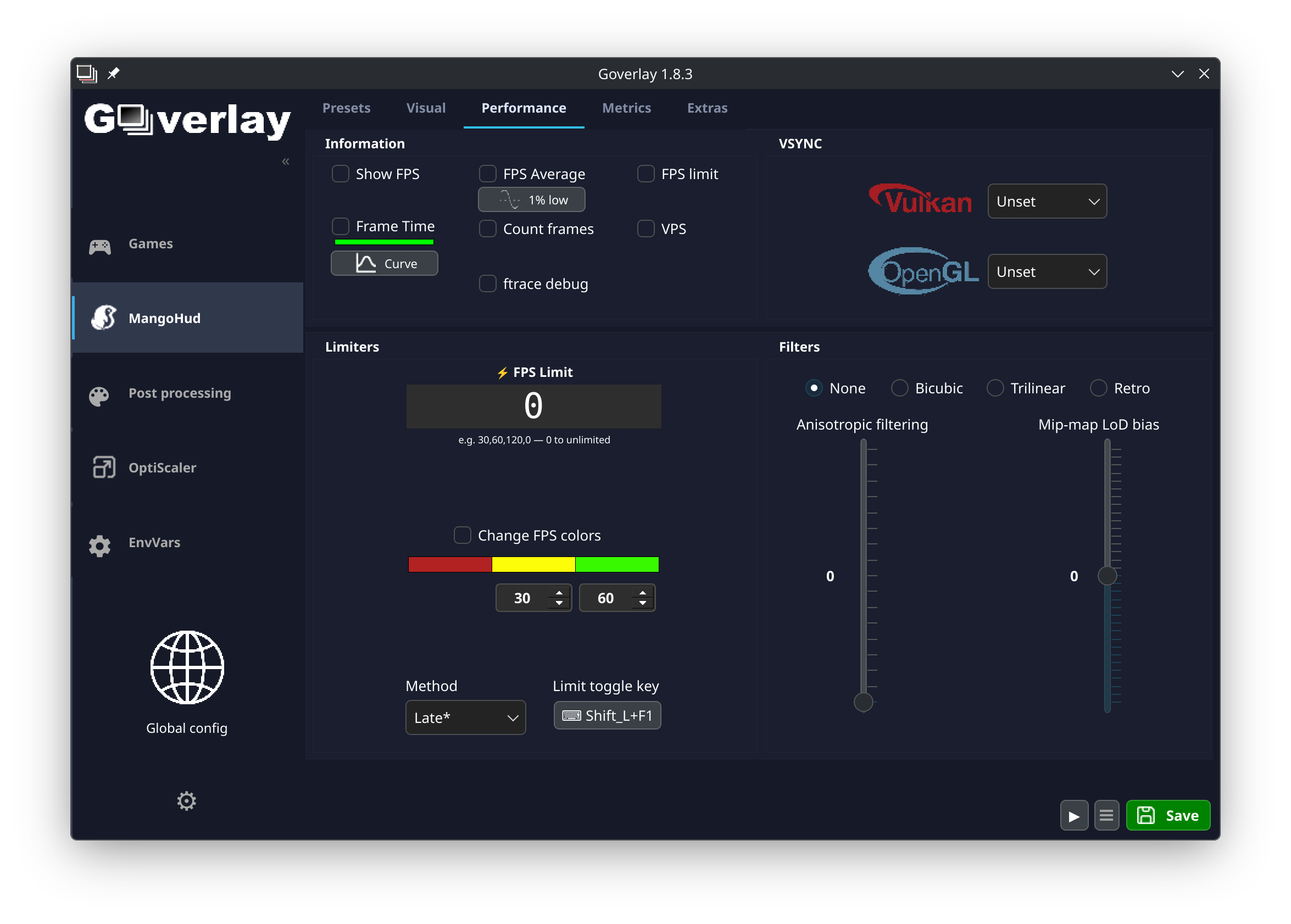
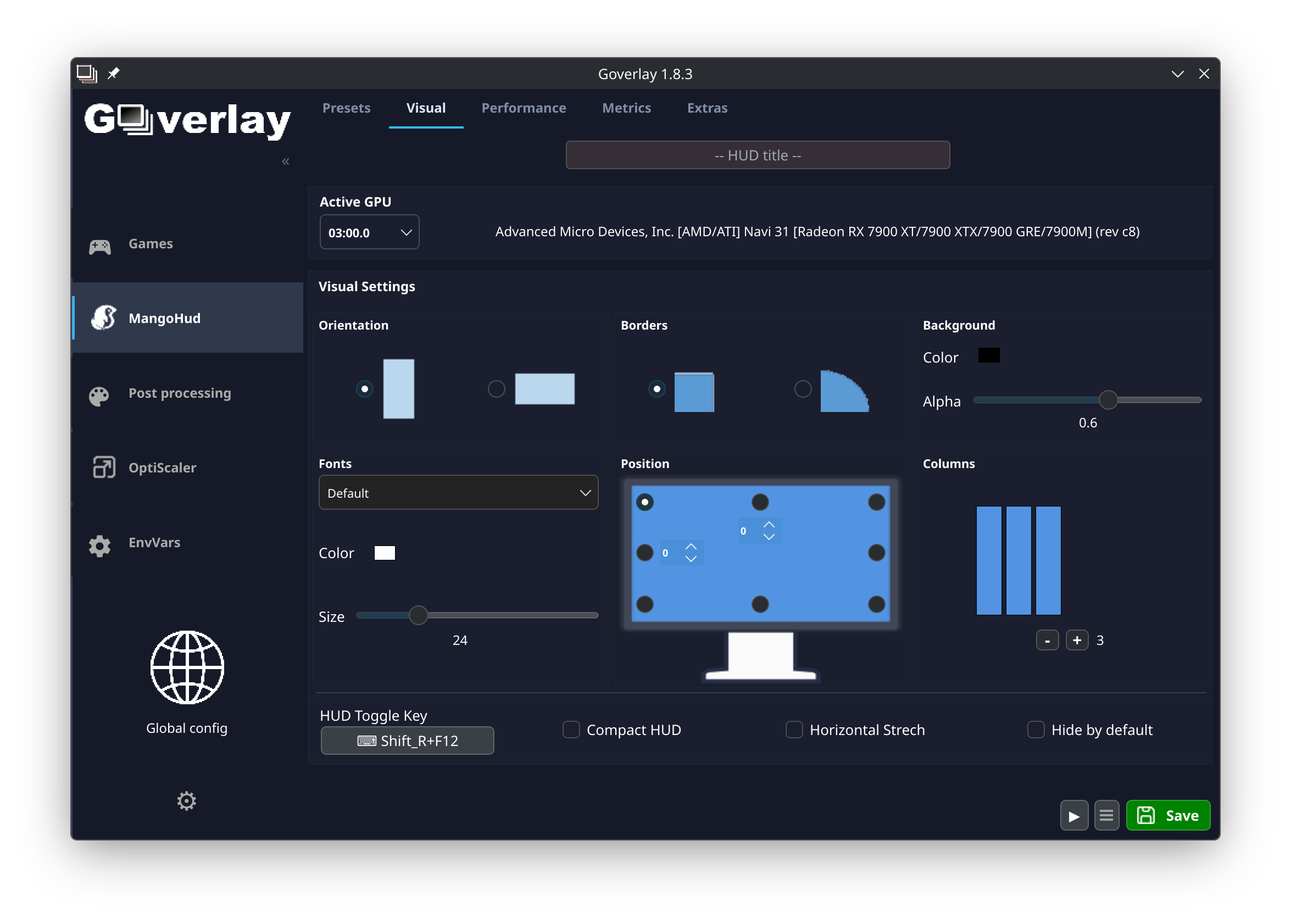
Read our comprehensive review of Goverlay, the premier Linux GUI utility designed to easily configure MangoHud, vkBasalt, and OptiScaler for gaming.
Streamlining Linux Gaming Configurations
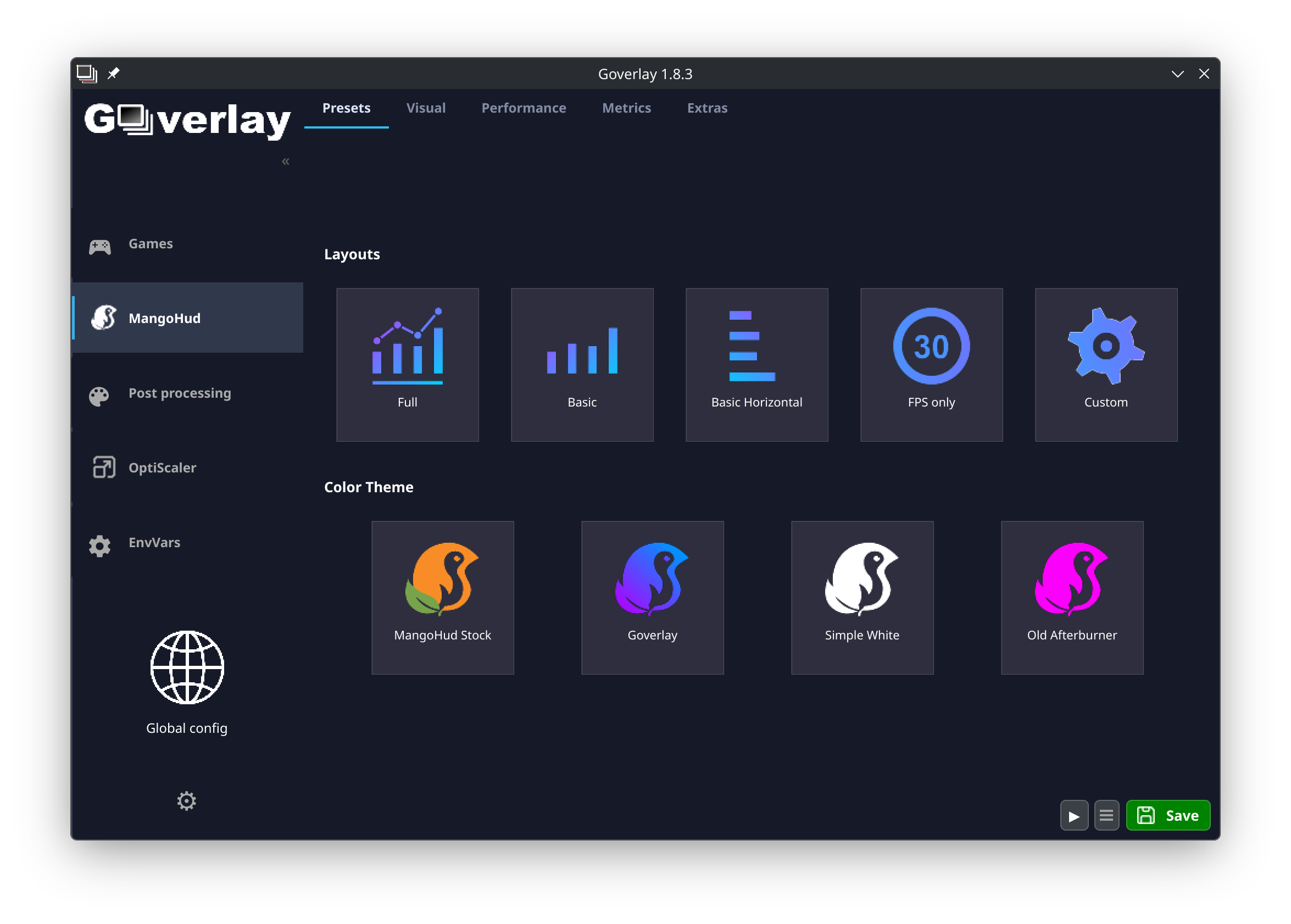
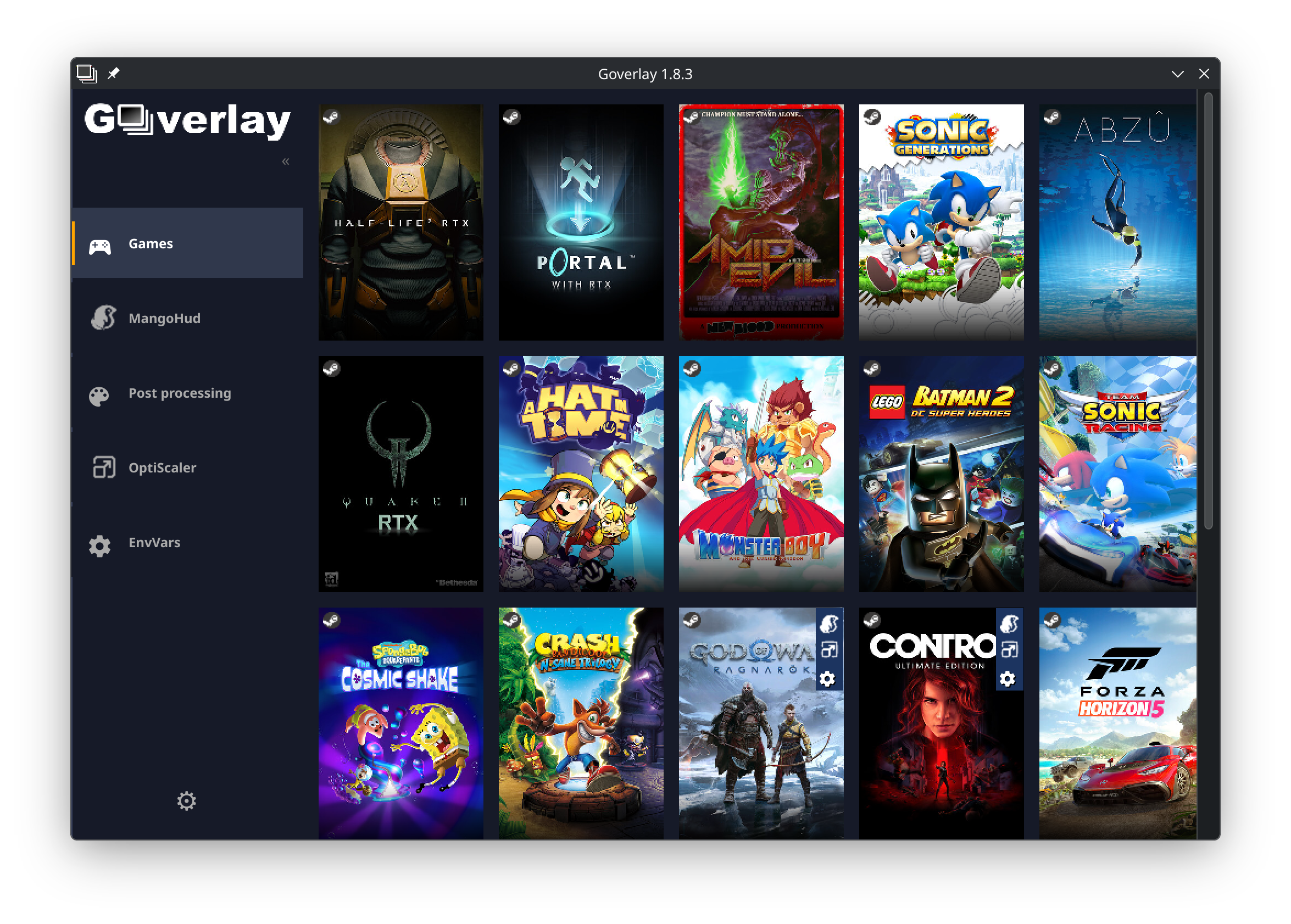
Fine-tuning a gaming setup on Linux has historically required manual configuration file editing, but the Goverlay Linux GUI utility completely changes that dynamic. From the moment you launch the application, you are presented with a clean, centralized dashboard that replaces complex terminal commands with intuitive toggle switches, sliders, and drop-down menus. Designed by developer Benjamim Gois, this open-source tool acts as a visual bridge for three of the most critical performance and visual enhancement libraries available to Linux gamers today.
The Core Features of the Goverlay Linux GUI Utility
The primary appeal of Goverlay lies in its ability to consolidate advanced system tweaks into a single, cohesive interface. Here is how it simplifies your Linux gaming pipeline:
- MangoHud Configuration: Effortlessly customize your on-screen display (OSD) to monitor frame rates, CPU/GPU temperatures, RAM usage, and frame times in real time.
- vkBasalt Integration: Apply advanced post-processing visual effects, such as contrast-adaptive sharpening, anti-aliasing, and custom color LUTs, without writing complex text configurations.
- OptiScaler Control: Manage modern upscaling technologies visually to optimize your rendering resolution and boost in-game performance.
Who is Goverlay For?
Whether you are a casual gamer using a Steam Deck or a power user building a high-end Linux desktop, managing performance tools can be tedious. The Goverlay Linux GUI utility caters to users who want precise control over their hardware telemetry and visual fidelity but prefer the speed and safety of a graphical interface over manual file editing.
Enhancing Your Gaming Workflow
By removing the friction of manual setup, this tool allows you to focus on what matters most: playing your games with optimal settings. Changes can be saved globally or applied as specific profiles, giving you the flexibility to customize your overlay behavior depending on the performance demands of different titles.
Verdict & Official Availability
For any Linux gaming enthusiast looking to streamline their telemetry and visual post-processing, this utility is an indispensable addition to the software toolkit. To explore this tool further and add it to your system, head over to the official Flathub store page to get started.