
ZuriWeb: Menu Bar AI Browser
Discover ZuriWeb: Menu Bar AI Browser for Mac. Read our review of this lightweight, multitasking tool featuring Apple Intelligence page summaries.
Mac users often face the frustrating challenge of tab overload and the constant distraction of switching between full-screen applications just to look up a quick fact, check a reference, or interact with an AI model. This context-switching breaks focus and slows down productivity. ZuriWeb: Menu Bar AI Browser offers an elegant solution to this problem by embedding a nimble, responsive web browser directly into your macOS menu bar.
What is the ZuriWeb: Menu Bar AI Browser?
Developed by Zuri Apps Limited, this utility is designed for Mac users who need immediate access to the web without sacrificing their current screen real estate. Instead of launching a heavy desktop browser, you simply click your menu bar or use a custom keyboard shortcut to drop down a fully functional browsing window. It is ideal for students, researchers, developers, and multitaskers who want to keep their primary workspace clean.
Key Features and Productivity Tools
ZuriWeb: Menu Bar AI Browser is packed with dedicated tools that elevate it far beyond a simple web view:
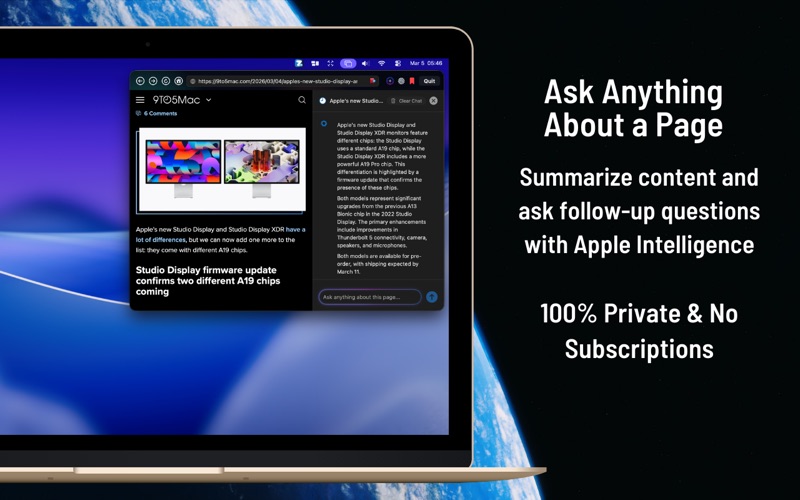
- Apple Intelligence Integration: Summarize long articles instantly and ask follow-up questions about the page you are reading. This feature is completely private and free to use.
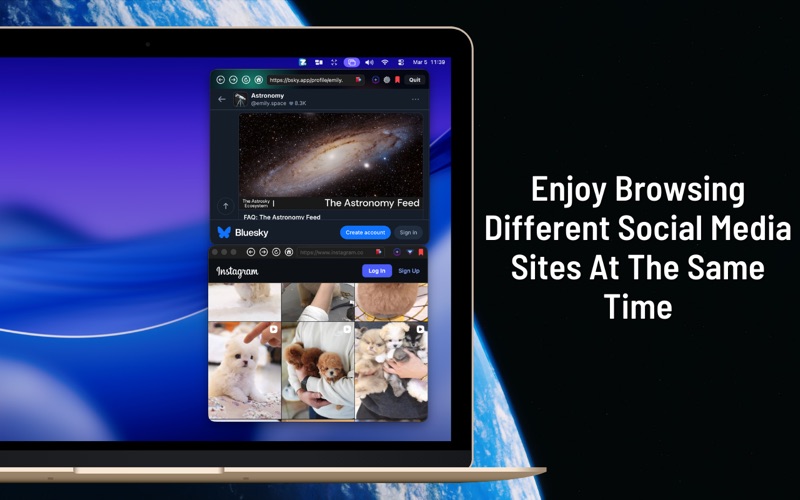
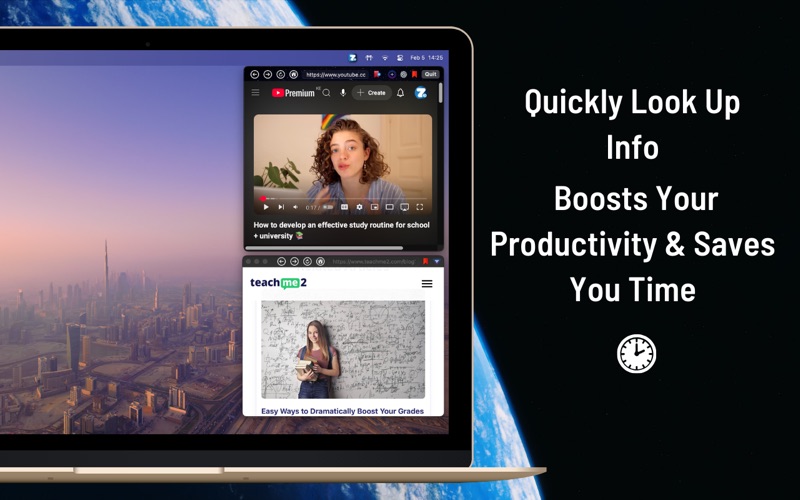
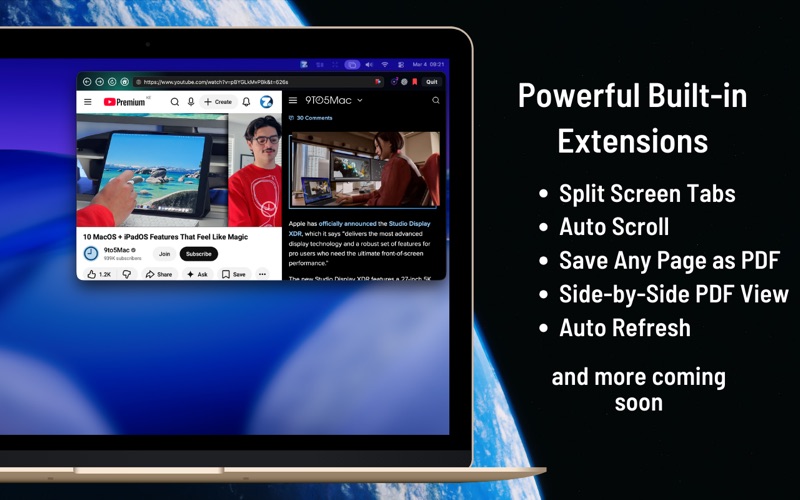
- Split-Screen & Companion Windows: Compare two websites side-by-side or detach the browser into a standalone companion window anywhere on your desktop.
- Smart Page Controls: Enjoy built-in features like Auto-Refresh, Auto-Scroll for hands-free reading, and a Split PDF View for dual-document research.
- Visual Customization: Adjust the browser size, set transparency to see background apps, and choose from static or animated themes like Bloom and Orbit.
- Focus Sounds: Block out external distractions with integrated nature ambient tracks, including Ocean Waves, Rain with Distant Thunder, and Calm Forest.
Streamlined Multitasking and Research
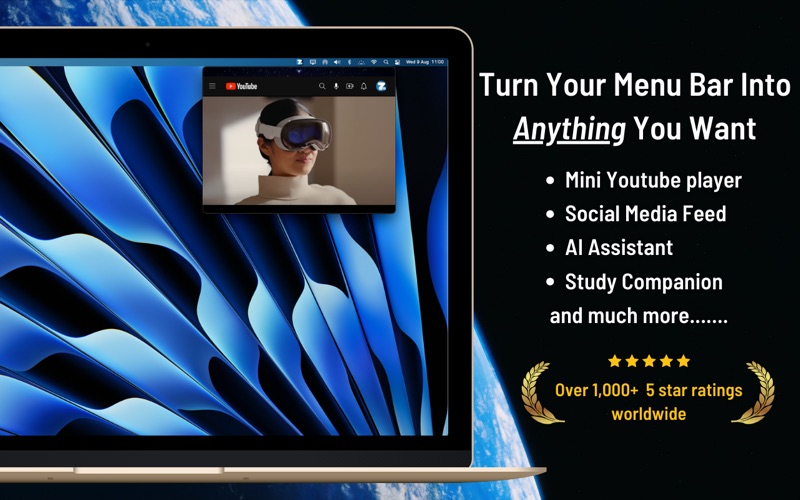
By living quietly in your menu bar, ZuriWeb allows you to reference tutorials while coding, monitor live feeds while working, or quickly interact with AI assistants like ChatGPT. When you are done, a simple click hides it instantly, keeping your desktop free of clutter. You can also capture full-page screenshots or save web pages directly as PDFs with a single tap.
Is ZuriWeb Right for Your Workflow?
If you find yourself constantly minimizing windows or losing track of tabs while trying to multitask, this utility provides a remarkably efficient alternative. It is lightweight, highly customizable, and designed to stay out of your way until needed.
To experience this streamlined approach to desktop productivity, check out the official App Store page for ZuriWeb: Menu Bar AI Browser and integrate it into your macOS workflow today.