
Snippit - AI Snippets Manager
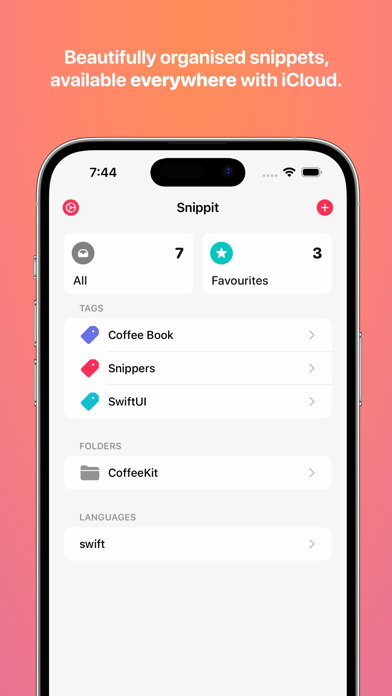
Read our comprehensive review of Snippit - AI Snippets Manager for Mac. Discover how this developer tool organizes your codebase effortlessly.
Eliminate the Chaos of Scattered Development Scripts
Every developer knows the frustration of losing a highly specific SwiftUI trick, an elegant Python algorithm, or a crucial automation script. Snippit - AI Snippets Manager solves this exact problem by acting as a highly organized, localized vault for your most valuable lines of code on macOS. Developed by Alexander Logan, this utility provides a seamless way to store, edit, and export code blocks without cluttering your main IDE or active workspace.
Core Features of Snippit - AI Snippets Manager
This developer-centric application is packed with features designed to streamline your daily coding workflow:
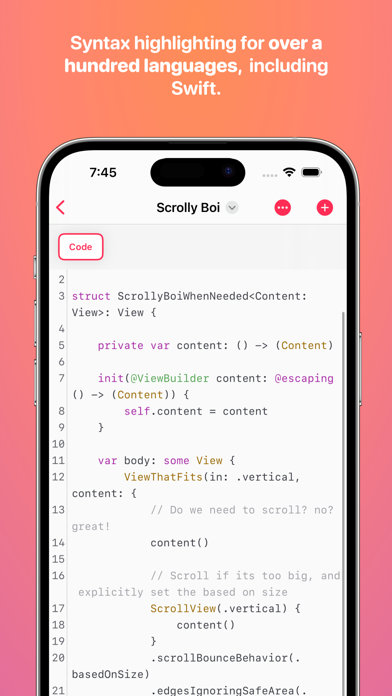
- Multi-Language Syntax Support: Write, edit, and organize snippets in Swift, Objective-C, Python, and dozens of other popular languages.
- Effortless Integration: Drag and drop your stored snippets directly into external editors or Xcode to speed up your coding sessions.
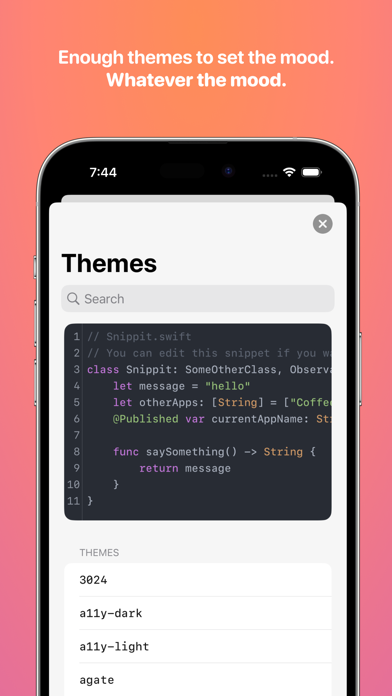
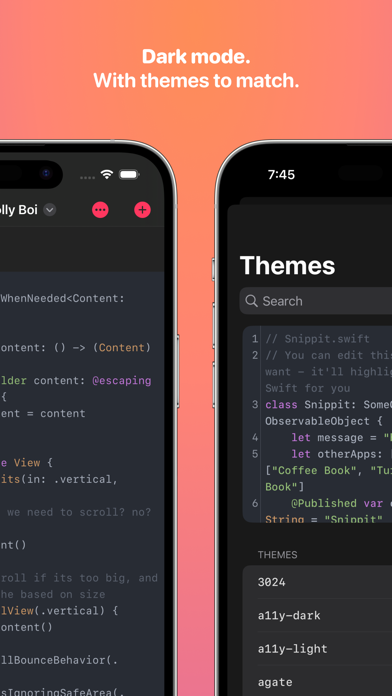
- Visual Customization: Choose from hundreds of light and dark mode themes. You can export beautiful, pre-formatted, and colored images of your code with line numbers included—ideal for sharing on social media or technical blogs.
- iCloud Synchronization: Keep your entire library perfectly synced across all your compatible Apple devices at no extra cost.
- Clipboard Widgets: Access your favorite code blocks instantly via system widgets that copy snippets directly to your clipboard with a single click.
Who Is This Snippet Manager For?
Whether you are a computer science student tracking fundamental algorithms, a seasoned iOS developer collecting SwiftUI animations, or a system administrator building up a library of shell scripts, Snippit - AI Snippets Manager adapts to your workflow. Because it does not require a subscription, it is an accessible tool for hobbyists and professional engineers alike who need a reliable workspace companion on their Mac.
An Elegant, Native macOS Experience
The application feels right at home on macOS. The integration of native features like iCloud sync, dragging-and-dropping code blocks, and system widgets ensures that saving code does not interrupt your creative flow. Instead of managing disorganized text files, you gain a structured, searchable, and highly aesthetic archive of your development knowledge.
Discover More
Ready to bring order to your coding workflow? You can explore the features, browse user reviews, and check out the application on its official Apple App Store page today.