Pocket Sketchbook: Draw illustrator & Sketch Maker
Read our comprehensive review of Pocket Sketchbook: Draw illustrator & Sketch Maker, an innovative Windows digital art application featuring AI-powered tools.
An Intuitive Workspace for Aspiring and Professional Artists
Finding the right digital canvas can be a challenge for creators who want to balance simplicity with powerful features. Pocket Sketchbook: Draw illustrator & Sketch Maker addresses this need by providing a streamlined, intuitive environment designed specifically for Windows users. Developed by LLC "CREATIVE WORKSHOP", this application bridges the gap between traditional sketching and modern digital design, making art creation accessible to everyone from casual doodlers to dedicated illustrators.
Key Features of Pocket Sketchbook: Draw illustrator & Sketch Maker
The app stands out in the crowded design category by offering a focused set of features that prioritize user experience and creative freedom:
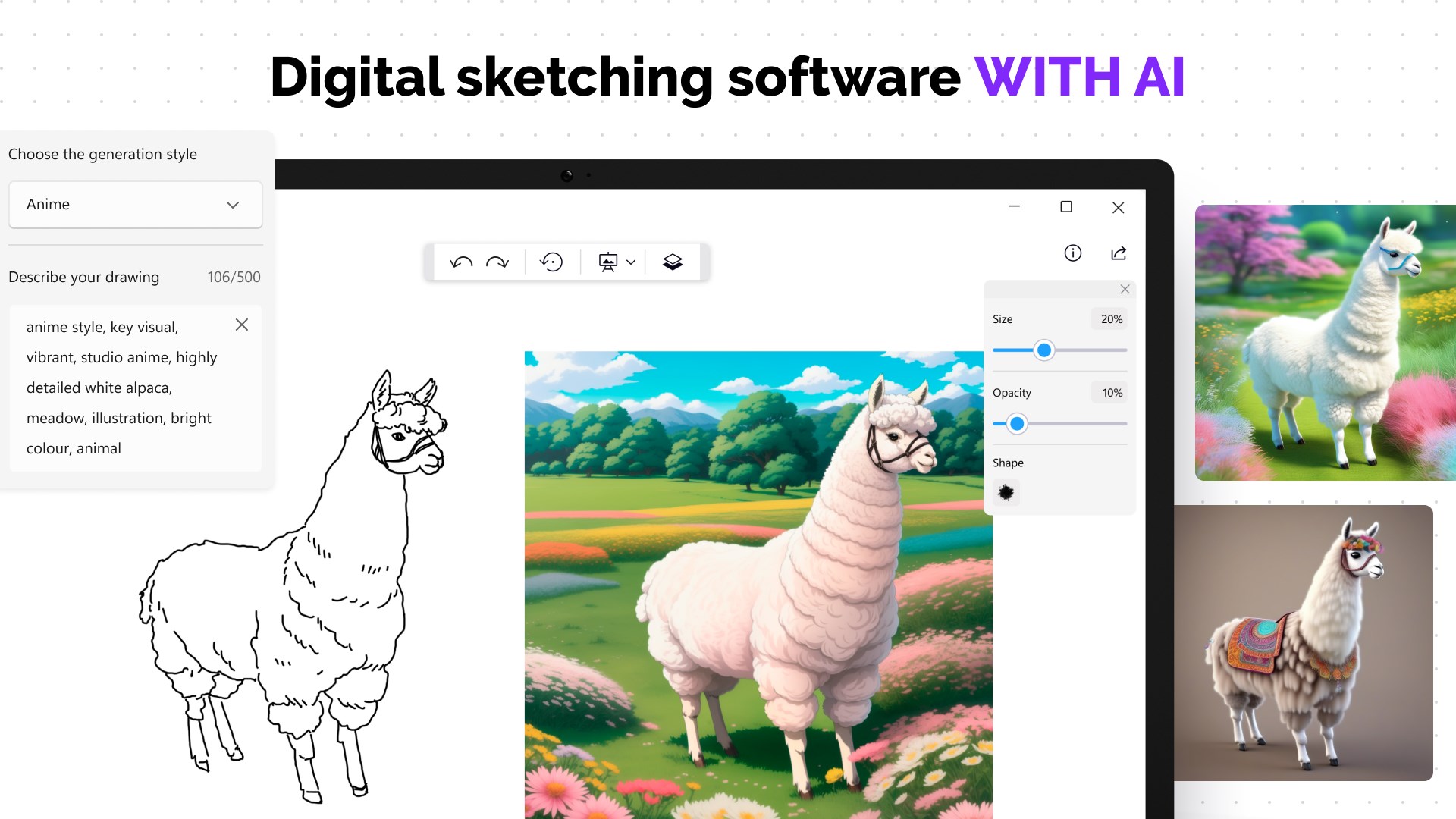
- AI-Assisted Sketching: Generate unique base sketches using integrated artificial intelligence, turning complex starting points into simple, enjoyable creative processes.
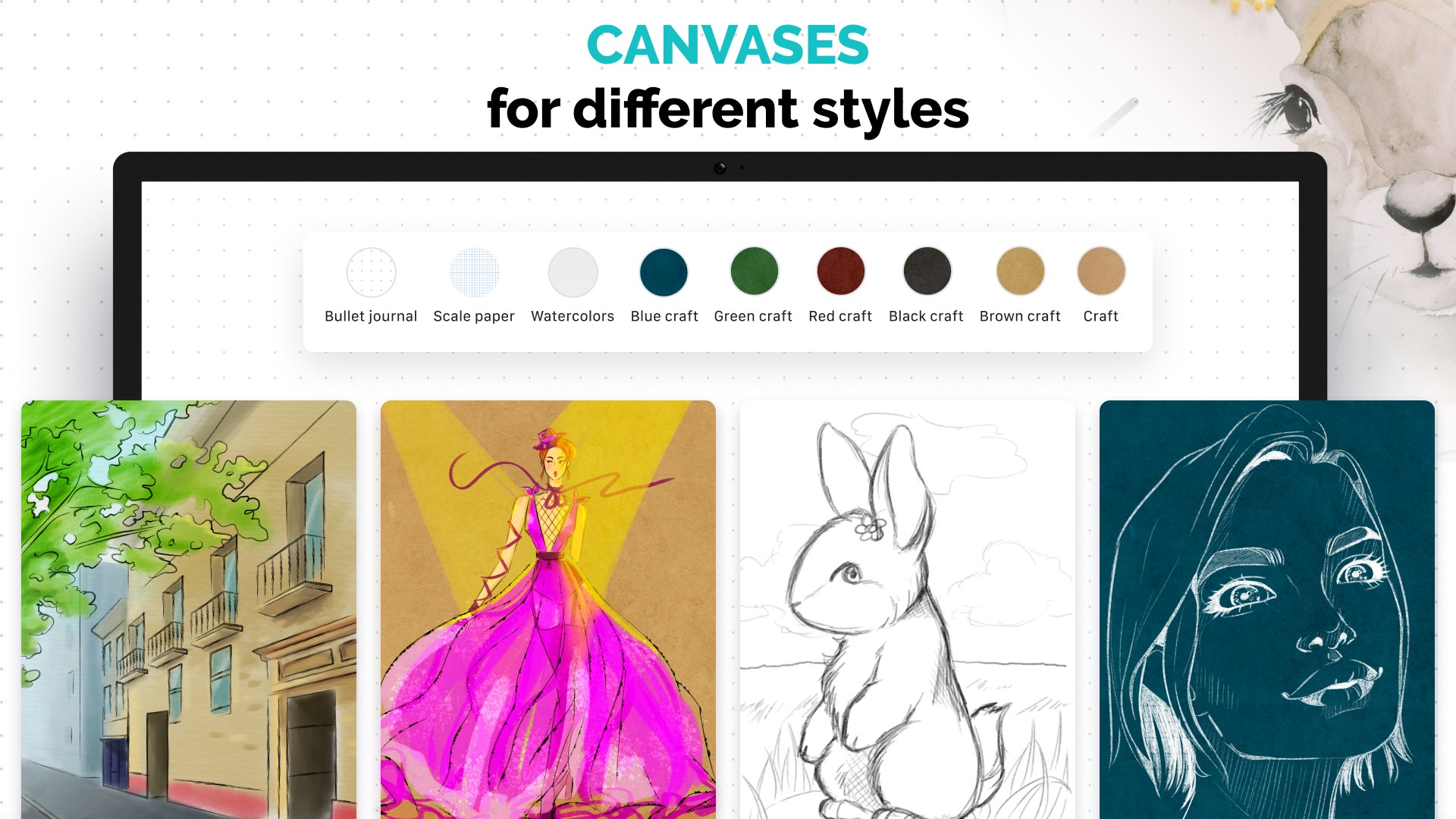
- Realistic Canvas Textures: Choose from a diverse selection of canvas options, including classic white sheets and checkered paper, to mimic real-world drawing surfaces.
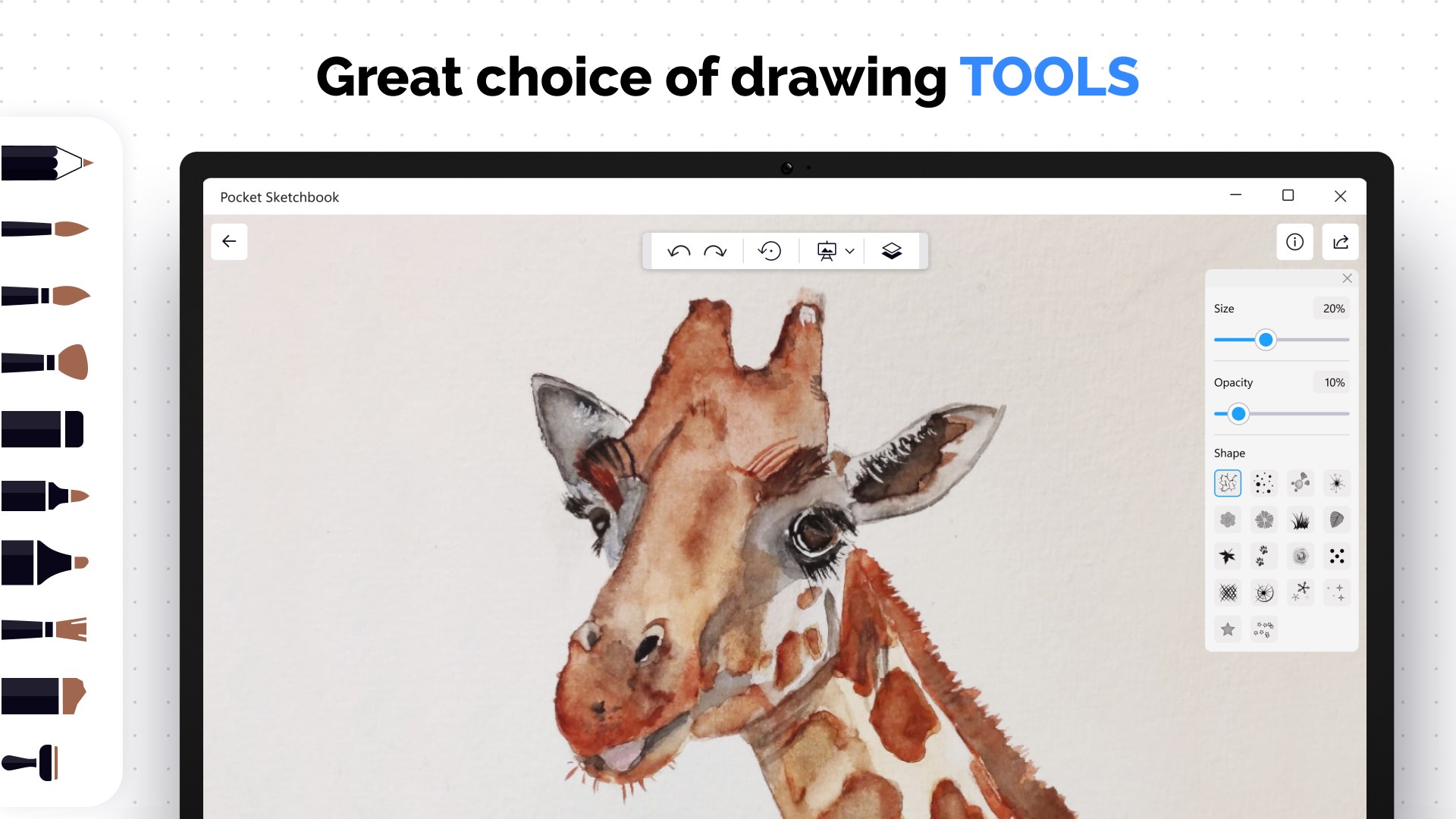
- Versatile Drawing Tools: Experiment with specialized brushes tailored for different art styles, including delicate watercolor brushes, precise pencil brushes, and translucent markers.
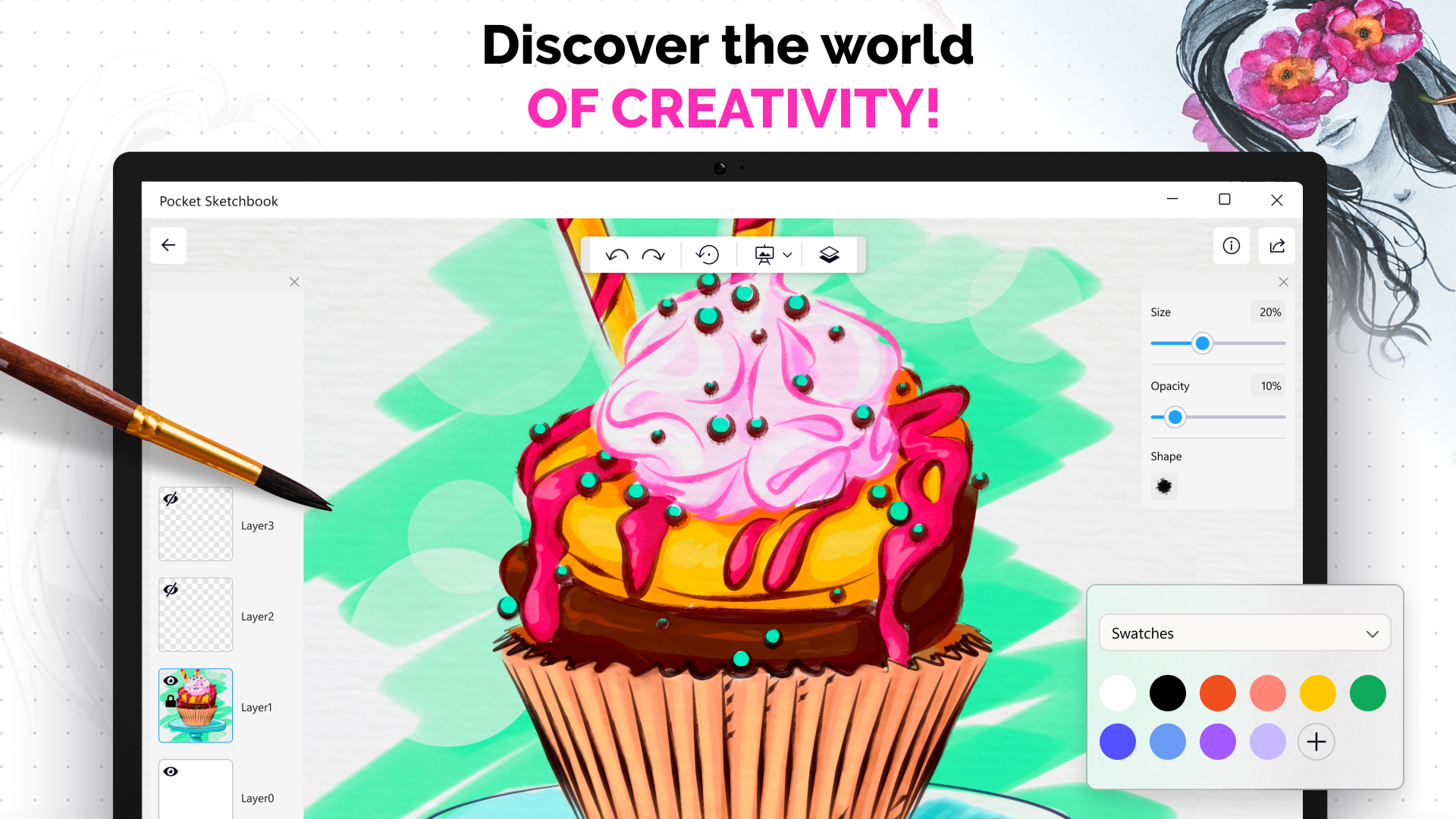
- Advanced Color Customization: Utilize a vivid color wheel, a precise pipette tool to capture exact shades, transparency settings, and brightness adjustments to perfect your palette.
- Layer-Based Workflow: Organize your illustrations efficiently by separating your artwork into multiple, manageable layers.
Who Benefits Most From This Digital Sketching Tool?
Pocket Sketchbook: Draw illustrator & Sketch Maker is highly beneficial for conceptual artists who need to quickly jot down ideas while on a Windows device. The inclusion of AI-assisted generation helps overcome the dreaded "blank canvas syndrome," allowing designers to generate inspiration instantly. Additionally, students and hobbyists will find the straightforward layout less intimidating than complex, industry-standard graphic suites, while still enjoying the essential tools needed to create layered, high-quality illustrations.
Understanding the Free vs. Premium Experience
The application operates on a freemium model. The free tier allows users to explore the interface with access to two basic brushes, two canvas types, and the ability to save up to two active projects (supported by advertisements). For creators seeking an unrestricted environment, the premium subscription unlocks unlimited project saves, the complete suite of drawing tools and canvases, and removes all advertising.
Our Verdict: A Solid Addition to Your Creative Toolkit
If you are looking for an accessible, Windows-optimized application to explore digital painting and AI-assisted drafting, this software is well worth your consideration. To experience the fluid brushwork and try the AI generation features firsthand, head over to the official Microsoft Store page to explore Pocket Sketchbook: Draw illustrator & Sketch Maker today.