Movavi Screen Recorder
Discover how Movavi Screen Recorder for Mac simplifies desktop capture. Read our full review of its features, drawing tools, and scheduling options.
While many screen capture tools focus solely on basic video grab, Movavi Screen Recorder screen capture software stands out by integrating real-time drawing tools and automated scheduling into a remarkably fluid macOS interface. Developed by Movavi Emea LLC, this utility bridges the gap between simple quick-captures and bloated video suite programs, offering a streamlined workflow designed specifically for communication, education, and professional tutorials.
Why the Movavi Screen Recorder Screen Capture Tool Stands Out
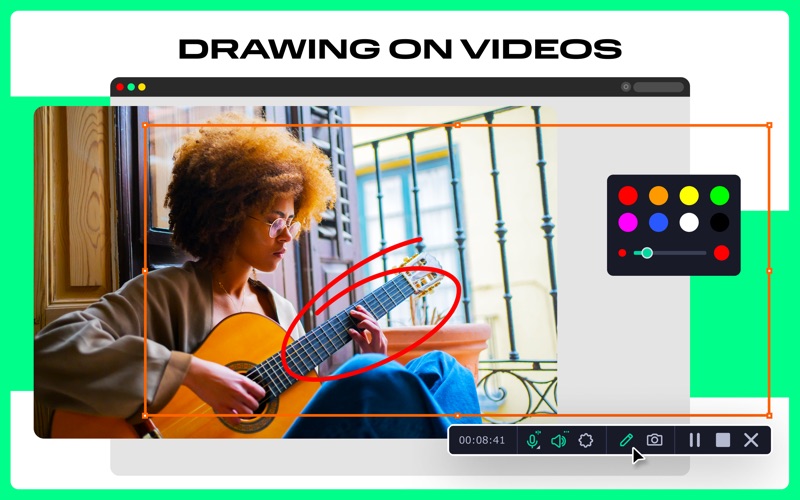
The defining strength of this application is its ability to let you interact with your recording while it is actively saving. Instead of waiting for post-production to highlight crucial details, you can draw directly on your screen during a live capture. This makes it an exceptional choice for educators delivering webinars, teams collaborating via Zoom, or developers demonstrating software workflows on Mac.
Key Features for Dynamic Desktop Recording
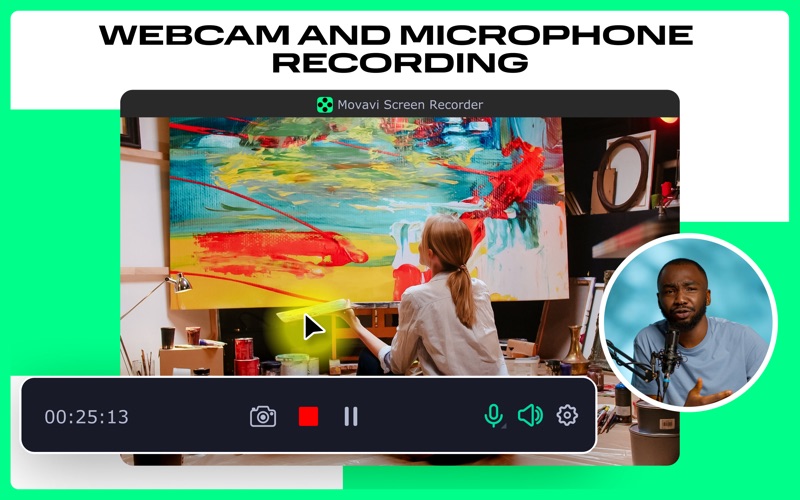
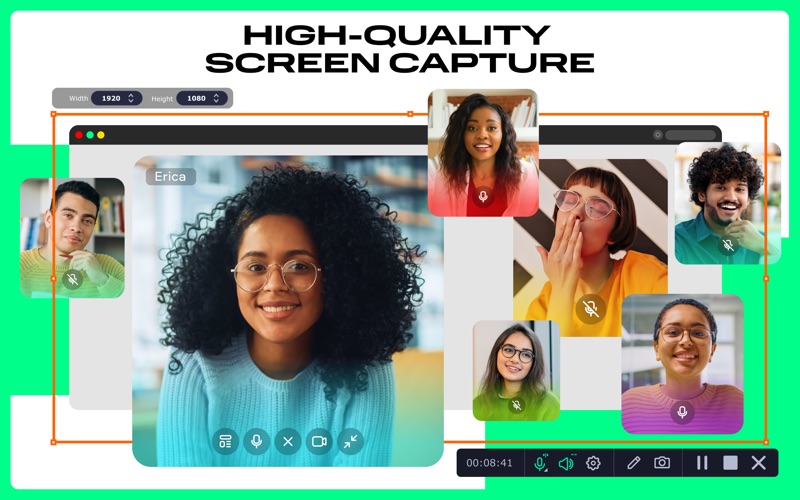
- Multi-Channel Audio and Video: Capture your display, system sounds, microphone, and webcam overlays simultaneously or as completely independent tracks.
- On-Video Drawing: Draw shapes, arrows, and freehand lines on your screen in real-time to keep your audience focused on key elements.
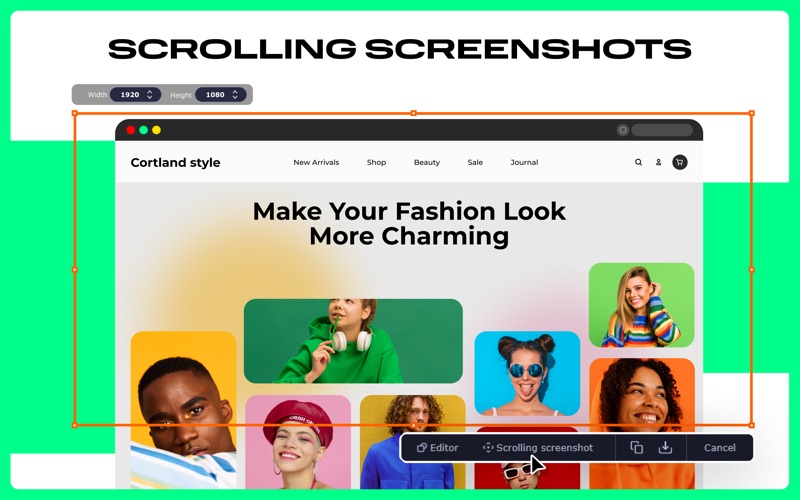
- Scrolling Screenshots: Grab full-page, scrolling captures of documents or web pages that extend far beyond your physical screen limits.
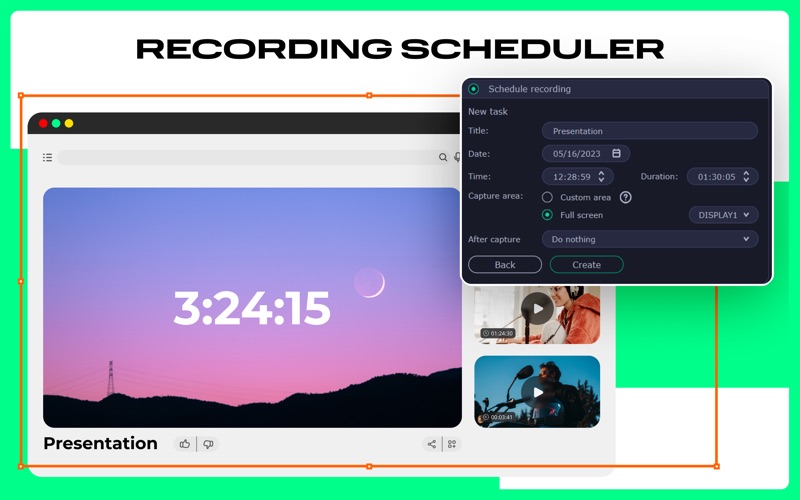
- Smart Recording Scheduler: Plan your captures months in advance. Set a timer, and let the software start and stop recording without requiring you to sit at your desk.
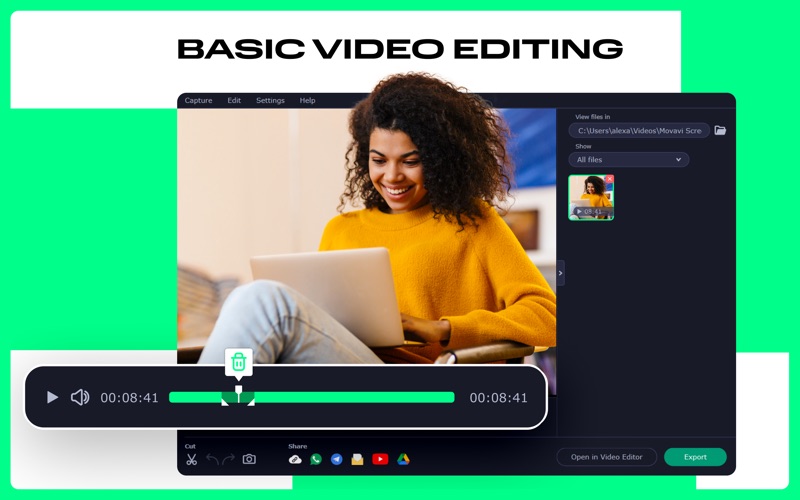
- Precision Trimming: Use the integrated lightweight editor to clean up the beginning and end of your clips immediately after recording.
Who Is This Application For?
Classified under the communication category, this software is tailored for professionals who need to explain complex ideas visual-first. Remote teams can replace long emails with quick video walkthroughs, while content creators can leverage custom keystroke displays and cursor highlights to build clean, professional tutorials. With export options ranging from MP4 and MOV to high-quality GIFs, it adapts easily to any platform you use to distribute your media.
Is It the Right Fit for Your Mac?
If you find native macOS capture tools too basic but want to avoid the steep learning curve of professional broadcasting suites, this app hits the perfect sweet spot. Its combination of real-time annotation, scheduled recording, and clean audio isolation makes it a highly reliable productivity companion.
To experience this powerful utility yourself, you can find the official listing and download options directly on the Mac App Store.